Who this guide is for
Readers trying to make group scheduling simpler and more reliable.
Use this guide when
Fed up with Doodle's account walls and heavier workflow? The best Doodle alternative in 2026 has a practical free tier, requires no account to vote, and works on mobile. See our top pick.
Doodle has been the default name in scheduling polls for over a decade. But in 2026, users are increasingly frustrated with its clunky interface, aggressive upselling, and account requirements that create friction for participants. If you've found yourself dreading the "Please create an account to vote" message, you're not alone.
The good news: better alternatives exist. Tools that prioritize speed, simplicity, and user experience have emerged—and they're winning over former Doodle users at an accelerating pace.
What's Wrong with Doodle in 2026?
Doodle's core problem is bloat. What started as a simple scheduling tool has become a complex platform with features most people don't need. The free tier has grown increasingly restricted, pushing users toward paid plans with capabilities they'll never use.
More critically, Doodle often requires participants to create accounts before they can vote on availability. This creates immediate drop-off. In an age of one-click solutions, forcing account creation for a simple poll feels antiquated.
The interface, once innovative, now feels dated. Loading times have increased. The mobile experience is subpar. And the constant prompts to upgrade create a nagging user experience that detracts from the core task: finding a time to meet.
What Makes a Great Doodle Alternative?
The best Doodle replacements share common DNA:
True simplicity. No account requirements for participants. No unnecessary features. Just create a poll, share a link, get results.
Speed. From creation to sharing should take under a minute. Participants should be able to vote in seconds, not minutes.
Clean design. A visual grid that's immediately understandable. No training required, no confusion about how to mark availability.
Free tier that actually works. You shouldn't need to pay for basic scheduling functionality. The best alternatives offer robust free plans.
WhenWorks: The Clean Alternative Users Love
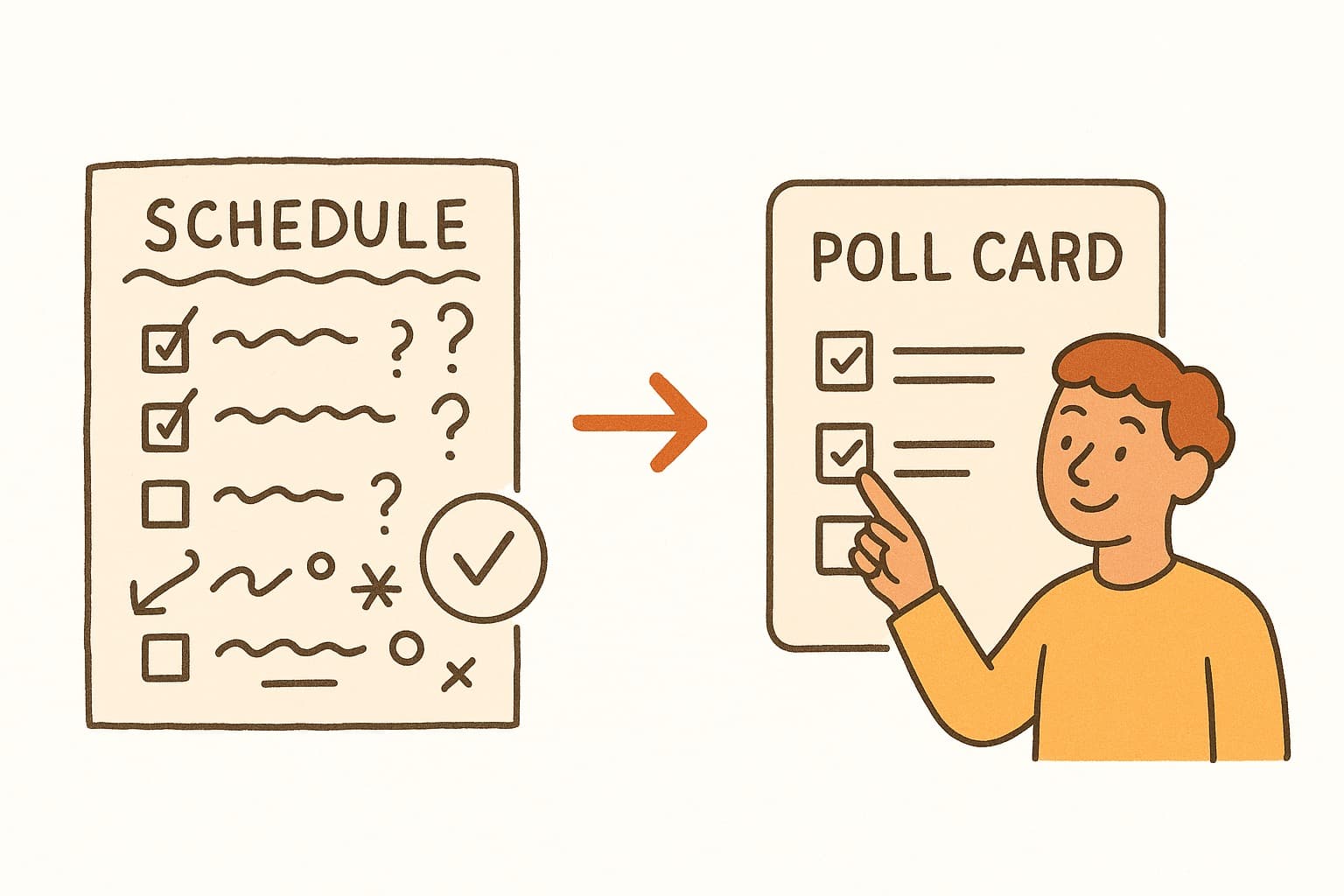
WhenWorks strips away everything that makes Doodle frustrating. No accounts needed to vote. No upsell popups. No bloated interface—just a clean grid where people mark when they're free.
Create your poll in seconds. Share via link, text, or email. Watch responses come in real-time. That's it.
The difference is palpable. Users report higher response rates because there's zero friction for participants. Organizers spend less time explaining how to use the tool and more time actually meeting.
If you're tired of Doodle's complexity, WhenWorks offers the refreshingly simple alternative you've been looking for. Try it free at whenworks.cc.
Before you act on this advice
- Look for the smallest process that still gets you a confident answer.
- Keep the group experience simple for first-time participants.
- Document the final outcome so nobody has to guess what was decided.
Common traps to avoid
- Simple systems work best when the organizer explains them clearly from the start.
- Over-customizing the process often adds work without improving outcomes.
- Make one decision well before trying to optimize every part of the workflow.
Best next step
Use the simplest version of this advice on your next real coordination task and then improve it based on what actually happens.
Why you can trust this page
Our editorial approach centers on real scheduling decisions, not generic productivity filler.
Public guides on WhenWorks are tied to the product and support context behind the site. We explain our editorial process publicly so readers can judge whether the page feels complete and trustworthy for their use case.
Want the policy context behind this article? Review our editorial standards or contact the team.
Questions people usually ask
What is the best next step after reading this article?
Apply the advice to one real scheduling scenario soon while the ideas are still concrete. Practical use is the fastest way to see what actually fits your workflow.
How should I adapt this guidance to my situation?
Keep the principles and simplify the process around your real constraints, such as group size, urgency, and whether you control the calendar or need consensus.