Who this guide is for
Organizers who want a practical step-by-step way to get a group to one decision quickly.
Use this guide when
Finding time for a team meeting shouldn't feel like herding cats. You've got five people in three time zones, each with their own calendar chaos. You...
Finding time for a team meeting shouldn't feel like herding cats. You've got five people in three time zones, each with their own calendar chaos. You send a few emails proposing times, get a handful of replies that don't quite match up, and suddenly a simple sync has eaten up your whole morning.
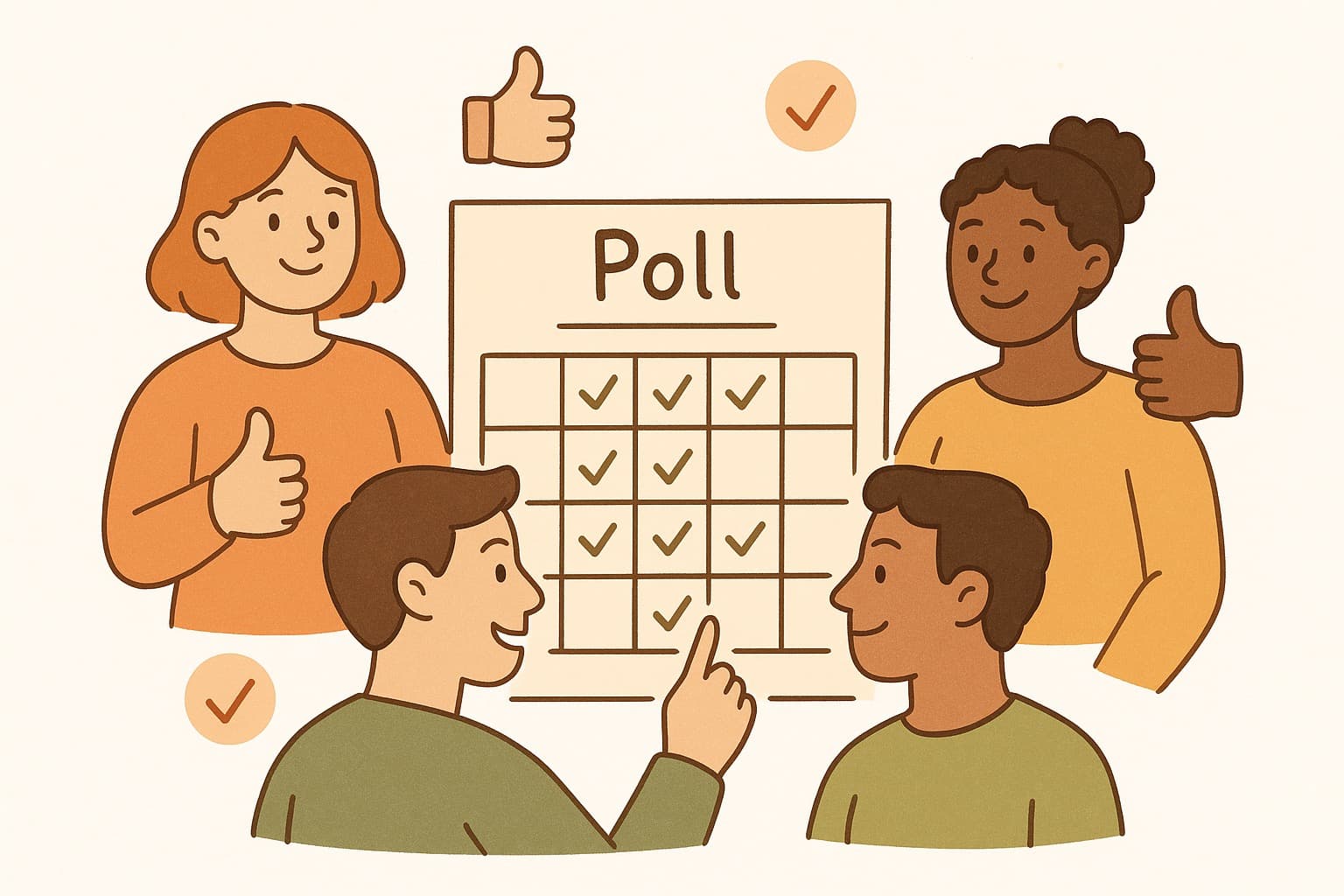
That's where a scheduling poll comes in. Instead of the back-and-forth, you create a poll, everyone votes on what works for them, and you've got your answer in minutes.
What Makes a Scheduling Poll Actually Good
Not all scheduling tools are created equal. After testing dozens of options, here's what actually matters:
No sign-up required. The best scheduling poll for teams doesn't make people create an account just to vote. Your team should be able to click a link and vote with no account. No passwords, no verification emails, no friction.
Clean mobile experience. Half your team will probably vote from their phone. If the mobile experience is clunky, your response rate drops. Simple interface, big tap targets, done.
Time zone smarts. If your team is spread across regions, the tool needs to handle time zones automatically. Everyone sees times in their own local time, but the organizer sees the overlap correctly.
Instant sharing. A link you can copy-paste into Slack, email, or Discord. No downloading apps, no invite flows.
The Top Picks for Team Scheduling in 2026
WhenWorks
WhenWorks is the easiest option if you want low-friction group scheduling. Poll creators can start on the free plan, participants do not need accounts to vote, and the share link works cleanly on mobile. The interface is modern — none of that clunky spreadsheet look some competitors still have.
The free plan covers lightweight team scheduling with 10 polls per month. You create a poll with proposed times, share the link, and people click their availability. You get a clear visual of the best time, with Pro available when teams need unlimited polls.
Best for: Teams that want simplicity and speed. If Doodle feels outdated and Calendly is overkill for group polls, WhenWorks hits the sweet spot.
Doodle
Doodle has been around forever and everyone knows it. It works, the feature set is solid, and most people won't need instructions. The downside? It feels dated, shows ads on the free plan, and requires an account to create polls (though voters can participate without one).
Best for: Teams that already use Doodle and don't mind the extra steps.
When2Meet
When2Meet takes a different approach — instead of proposing specific times, people drag to mark their available hours on a grid. It's useful for finding overlapping availability across a whole day.
The catch? The UI looks like it was built in 2005, and mobile support is rough. Great for finding availability, less great for looking professional.
Best for: Teams that need to see broad availability patterns rather than specific meeting times.
Calendly (For Group Polls)
Calendly is primarily a 1:1 booking tool, but their round-robin features can work for group scheduling. The downside is it's designed for client calls, not team coordination, and the free tier is limited.
Best for: Teams that already pay for Calendly and need occasional group scheduling on top of client meetings.
How to Get Your Team Using Scheduling Polls
Once you've picked your tool, the real challenge is getting everyone to actually use it. A few tips:
Make it the default. Stop asking "what times work for everyone?" in Slack. Just drop a poll link instead. After a few times, it'll be team habit.
Keep polls small. Ten possible times is overwhelming. Stick to 4-6 solid options based on what you know about people's schedules.
Set a deadline. "Please vote by Tuesday" beats an open-ended poll that lingers forever.
The Bottom Line
For most teams in 2026, WhenWorks is the best scheduling poll for teams. It's free, requires no account, handles time zones automatically, and just works. No voter signup friction, no learning curve, and a clear free tier.
Create your first poll in seconds, share the link, and get back to actually working.
Try WhenWorks free at whenworks.cc — no signup required to vote.
Before you act on this advice
- Define the decision deadline before you send the poll.
- Offer enough options to find overlap without overwhelming respondents.
- Plan the follow-up step: reminder, final decision, and calendar invite.
Common traps to avoid
- Skipping the response deadline often turns a clear guide into a drifting process.
- Too much flexibility can create more confusion rather than more attendance.
- Always plan how you will finalize the decision before you ask for input.
Best next step
Apply the guide to one real scheduling decision this week so you can refine the process from experience instead of theory.
Why you can trust this page
Guide articles are written to help someone move from “we need a time” to a concrete decision, using the same poll, reminder, and follow-up patterns that the WhenWorks product is built around.
Public guides on WhenWorks are tied to the product and support context behind the site. We explain our editorial process publicly so readers can judge whether the page feels complete and trustworthy for their use case.
Want the policy context behind this article? Review our editorial standards or contact the team.
Questions people usually ask
How do I know if my process is working?
You should see faster responses, less back-and-forth, and clearer final decisions. If the process still depends on repeated manual reminders, it likely needs refinement.
What is the most common guide-related mistake?
People follow the setup steps but forget to plan the close: who decides, when the response window ends, and how the final answer gets communicated.
