Who this guide is for
Knowledge workers who want a more intentional calendar and fewer interruptions.
Use this guide when
Calendar blocking is most effective when your days are being hijacked by reactive work, not when you are already operating from a disciplined weekly plan. This guide is for people who need structure without turning their calendar into an impossible fantasy schedule.
What is Calendar Blocking?
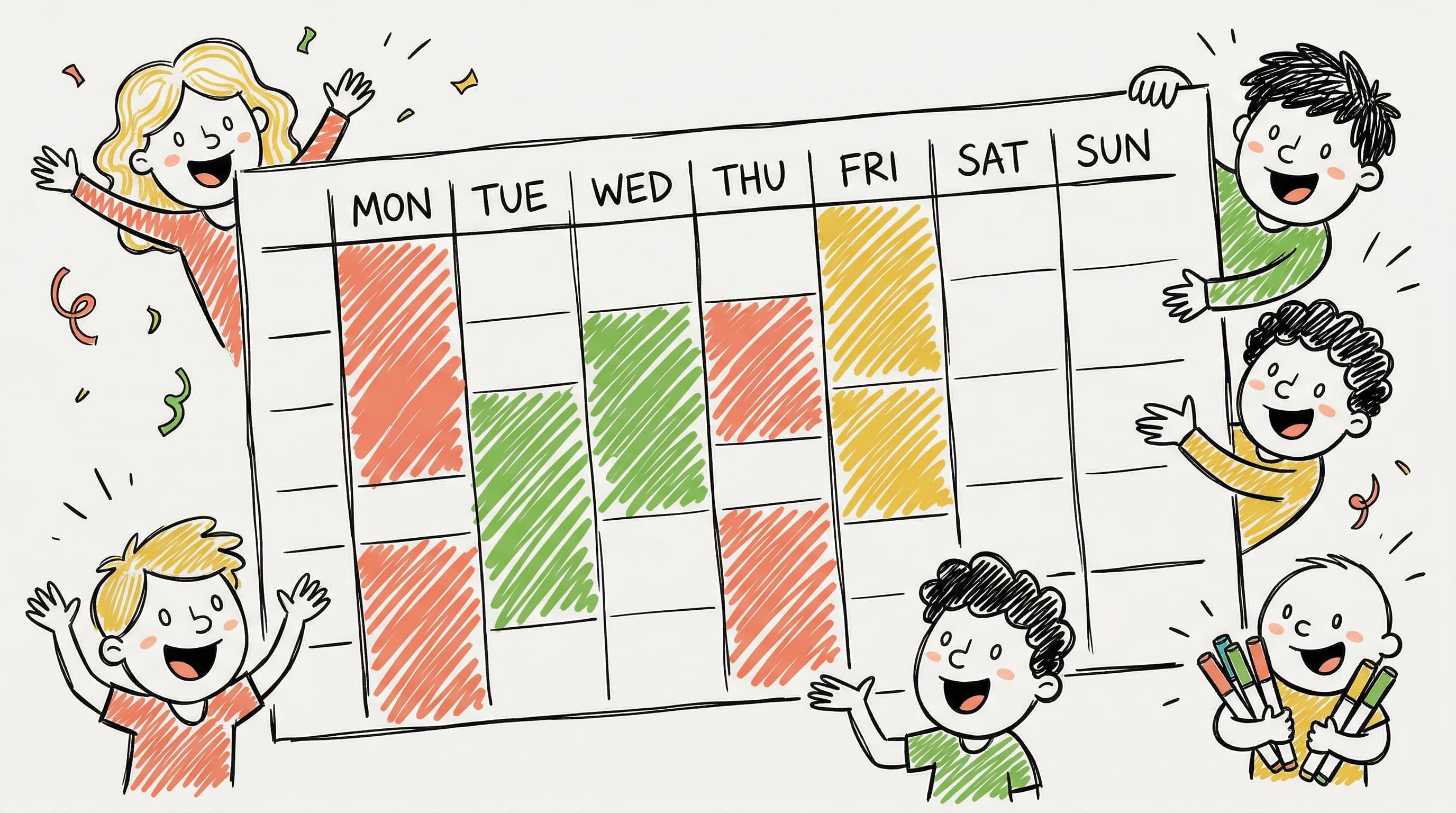
Calendar blocking means scheduling specific time blocks for specific activities—treating your to-do list like appointments. Instead of reacting to your day, you design it.
Why Calendar Blocking Works
- •Reduces decision fatigue - You already know what to work on
- •Protects focus time - Others see you're "busy"
- •Creates accountability - Appointments feel more binding
- •Improves estimation - You learn how long tasks actually take
Types of Blocks to Schedule
Focus Blocks (2-4 hours)
For deep work: writing, coding, designing, strategizing.
Tips:
- •Schedule during your peak energy hours
- •Turn off notifications
- •Use a "do not disturb" status
Meeting Blocks
Cluster meetings together to minimize context switching.
Best practice: All meetings between 1-4pm, leaving mornings free.
Admin Blocks (30-60 minutes)
For email, Slack, expense reports, scheduling.
When: End of day or after lunch.
Buffer Blocks (15-30 minutes)
Between meetings for transitions, notes, and bathroom breaks.
Recovery Blocks
After intense meetings or deep work sessions.
Sample Blocked Schedule
| Time | Block Type |
|---|---|
| 8-9am | Morning routine (personal) |
| 9-12pm | Deep Work |
| 12-1pm | Lunch + Admin |
| 1-3pm | Meeting Block |
| 3-3:30pm | Buffer |
| 3:30-5pm | Deep Work |
| 5-5:30pm | Daily wrap-up |
Tools for Calendar Blocking
- •Google Calendar - Color-code block types
- •Calendly - Protect blocks from bookings
- •Reclaim.ai - Auto-block habits
Common Mistakes
❌ Over-scheduling - Leave 20% buffer ❌ Ignoring energy levels - Match tasks to energy ❌ No flexibility - Allow some reactive time ❌ Tiny blocks - Deep work needs 2+ hours
Getting Started
- •Track your time for one week
- •Identify your peak hours
- •Block your top 3 priorities
- •Add meetings around focus blocks
- •Review and adjust weekly
Before you act on this advice
- Identify your real peak-energy hours before blocking focus work.
- Reserve buffer time so one delay does not break the rest of the day.
- Separate collaborative windows from solo work instead of mixing them randomly.
Common traps to avoid
- Over-coloring the calendar can create a beautiful schedule that collapses the moment an urgent task appears.
- Blocking deep work during your lowest-energy period makes the system look disciplined while producing weak output.
- Calendar blocking fails when you never review what actually happened and keep planning around unrealistic assumptions.
Best next step
Start with three recurring block types only: deep work, meetings, and admin. Once those are stable, add more nuance based on how your weeks actually unfold.
Why you can trust this page
Productivity pieces focus on scheduling as an operational habit: protecting calendar time, reducing coordination overhead, and making recurring planning easier to repeat.
Public guides on WhenWorks are tied to the product and support context behind the site. We explain our editorial process publicly so readers can judge whether the page feels complete and trustworthy for their use case.
Want the policy context behind this article? Review our editorial standards or contact the team.
Questions people usually ask
How long should a deep-work block be?
For most people, two hours is the minimum that consistently feels useful. Shorter blocks can work for prep or review tasks, but they rarely support harder creative or analytical work.
Should personal time go on the same calendar?
It often should, at least as busy blocks. If your calendar only shows work, the rest of your life is too easy to schedule over.