Who this guide is for
Organizers who want a practical step-by-step way to get a group to one decision quickly.
Use this guide when
Need to coordinate your team without the email chaos? Discover the best free scheduling poll tools for team meetings that actually work.
Team meetings should be productive, not logistical nightmares. Yet every week, managers waste precious time herding cats—chasing down availability, comparing calendars, and negotiating times that work for everyone. The larger the team, the worse the problem gets.
A ten-person team has exponential scheduling complexity. When you factor in remote workers across time zones, external stakeholders, and packed calendars, finding a common window can feel impossible.
This is where scheduling polls shine. The right tool transforms a hour-long coordination effort into a two-minute task.
Why Teams Need Scheduling Polls
Group chat suggestions rarely work. "When works for everyone?" in Slack produces a scrolling mess of replies that someone has to manually parse. Half the team misses the thread entirely.
Shared calendars help but don't solve the consensus problem. Knowing when people are busy is different from finding when they're all free.
Traditional scheduling tools often fail with teams because they require every participant to have accounts, download apps, or navigate complex interfaces. In a team of ten, if two people can't figure out the tool, you're back to email.
What to Look for in a Team Scheduling Poll
The best team scheduling solutions prioritize:
Universal access. Team members should be able to participate from any device without downloading anything or creating accounts.
Time zone intelligence. Remote teams span regions. Your tool should handle time zone conversion automatically.
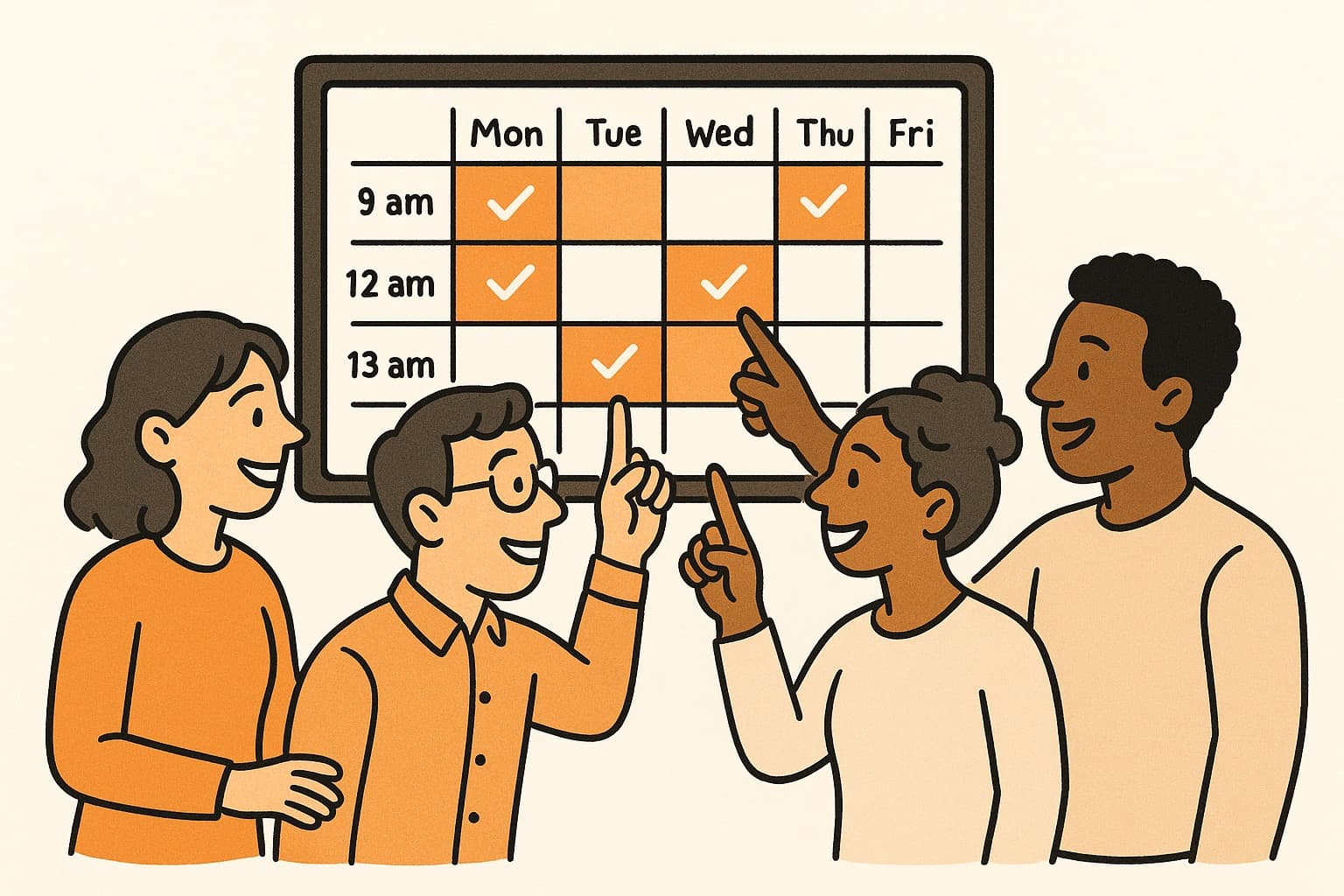
Visual clarity. A grid view showing everyone's availability makes the optimal meeting time immediately obvious.
Quick setup. Managers shouldn't spend fifteen minutes configuring a poll for a thirty-minute meeting.
The Team Scheduling Workflow That Works
Here's a proven process for team meeting coordination:
First, identify 4-6 potential windows across 2-3 days. Cast a wide enough net to capture options without overwhelming participants.
Create your poll and share it in your team's primary communication channel. Include a deadline for responses—24 hours is usually sufficient for internal teams.
Send a reminder 4-6 hours before the deadline to catch stragglers.
Review results and select the time that maximizes attendance. If there's no perfect option, pick the one that works for the most critical participants.
Send calendar invites immediately and include the meeting agenda so people know what to expect.
WhenWorks: Team Scheduling Made Simple
WhenWorks was built for exactly this use case. Create a poll in seconds, share one link in Slack or email, and watch your team mark their availability. No accounts required. No app downloads. No confusion.
The visual grid makes it obvious which slot works best. Time zones are handled automatically. And the entire process—from creation to decision—takes under five minutes.
Stop herding cats to schedule team meetings. Try WhenWorks free at whenworks.cc.
Before you act on this advice
- Define the decision deadline before you send the poll.
- Offer enough options to find overlap without overwhelming respondents.
- Plan the follow-up step: reminder, final decision, and calendar invite.
Common traps to avoid
- Skipping the response deadline often turns a clear guide into a drifting process.
- Too much flexibility can create more confusion rather than more attendance.
- Always plan how you will finalize the decision before you ask for input.
Best next step
Apply the guide to one real scheduling decision this week so you can refine the process from experience instead of theory.
Why you can trust this page
Guide articles are written to help someone move from “we need a time” to a concrete decision, using the same poll, reminder, and follow-up patterns that the WhenWorks product is built around.
Public guides on WhenWorks are tied to the product and support context behind the site. We explain our editorial process publicly so readers can judge whether the page feels complete and trustworthy for their use case.
Want the policy context behind this article? Review our editorial standards or contact the team.
Questions people usually ask
How do I know if my process is working?
You should see faster responses, less back-and-forth, and clearer final decisions. If the process still depends on repeated manual reminders, it likely needs refinement.
What is the most common guide-related mistake?
People follow the setup steps but forget to plan the close: who decides, when the response window ends, and how the final answer gets communicated.
