Who this guide is for
Organizers who want a practical step-by-step way to get a group to one decision quickly.
Use this guide when
Group text planning is a mess of 'I'm free' and 'That doesn't work.' Learn how to coordinate group plans over text without the chaos.
"Dinner Friday?" "Can't, working late." "Saturday brunch?" "Out of town." "Sunday?" "Maybe, what time?" If this conversation exhausts you, you're experiencing the group text coordination problem.
Text messages are great for quick communication but terrible for complex coordination. Every new suggestion creates another branch of the conversation. By the time you find a time that works, you've scrolled through forty messages and lost the will to socialize.
There's a better way. You can use the convenience of text messaging without the coordination chaos—by pairing texts with the right scheduling tool.
Why Group Text Fails for Scheduling
Text threads have inherent limitations that make scheduling difficult:
Linear format. Text shows messages in order, not grouped by topic. Availability discussions get mixed with side conversations.
No visualization. You can't see everyone's availability at once. You have to mentally track who said what.
Async confusion. People respond at different times. What was true at 9 AM might not be true at 3 PM.
Decision fatigue. The organizer has to synthesize all responses and make the call—a mental burden that often leads to "Forget it, let's just pick something."
The Text + Link Strategy
The solution is to keep text for what it's good at (quick communication) and use a dedicated tool for scheduling. Here's the workflow:
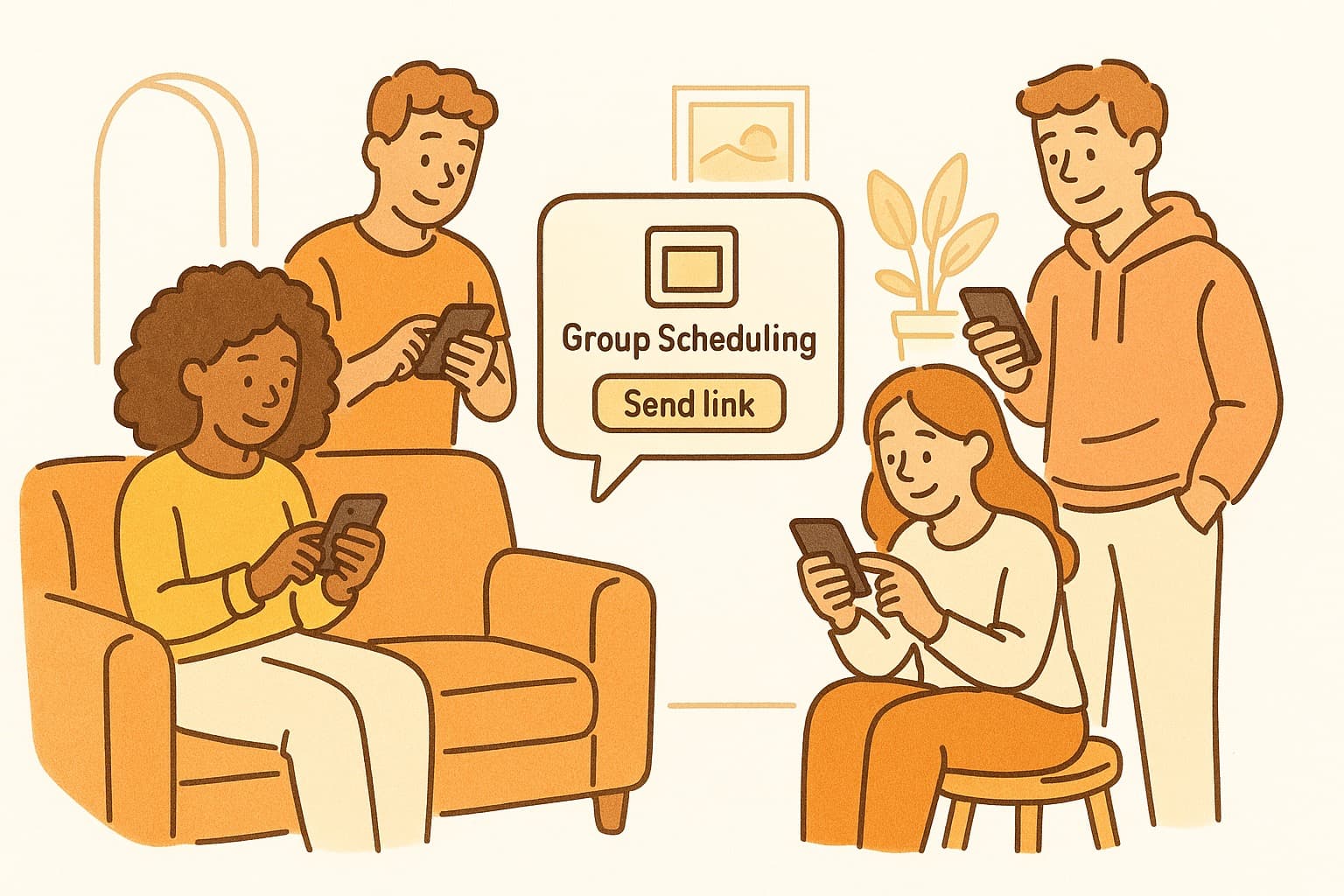
Instead of proposing times in the text thread, create a scheduling poll and text the link: "When's everyone free this week? Mark your availability here: [link]"
Everyone clicks, marks their availability in a visual grid, and you're done. The decision becomes obvious from the results.
Text serves as the notification mechanism; the scheduling tool handles the coordination logic.
Making It Work in Practice
Follow these tips for text-based coordination:
Keep texts short. "Dinner this week? Vote here: [link]" is better than a paragraph explaining options.
Set expectations. Tell people how long the poll is open. "Voting closes tomorrow at noon."
Follow up. Send one reminder text before the deadline to catch stragglers.
Confirm decisively. Once you've picked a time, text the plan: "Friday 7 PM at Maria's. See you there!"
WhenWorks: Perfect for Text Coordination
WhenWorks is ideal for text-based group planning. The mobile-optimized interface means people can mark availability right from their phones. No app download required—just tap the link and go.
The visual grid makes it immediately obvious what works. Nobody has to scroll through messages to figure out the plan.
Next time you're planning group dinner, drinks, or a weekend trip, skip the text chaos. Send a WhenWorks link instead. Try it free at whenworks.cc.
Before you act on this advice
- Define the decision deadline before you send the poll.
- Offer enough options to find overlap without overwhelming respondents.
- Plan the follow-up step: reminder, final decision, and calendar invite.
Common traps to avoid
- Skipping the response deadline often turns a clear guide into a drifting process.
- Too much flexibility can create more confusion rather than more attendance.
- Always plan how you will finalize the decision before you ask for input.
Best next step
Apply the guide to one real scheduling decision this week so you can refine the process from experience instead of theory.
Why you can trust this page
Guide articles are written to help someone move from “we need a time” to a concrete decision, using the same poll, reminder, and follow-up patterns that the WhenWorks product is built around.
Public guides on WhenWorks are tied to the product and support context behind the site. We explain our editorial process publicly so readers can judge whether the page feels complete and trustworthy for their use case.
Want the policy context behind this article? Review our editorial standards or contact the team.
Questions people usually ask
How do I know if my process is working?
You should see faster responses, less back-and-forth, and clearer final decisions. If the process still depends on repeated manual reminders, it likely needs refinement.
What is the most common guide-related mistake?
People follow the setup steps but forget to plan the close: who decides, when the response window ends, and how the final answer gets communicated.
