Who this guide is for
Organizers who want a practical step-by-step way to get a group to one decision quickly.
Use this guide when
# How to Poll for a Meeting Time (the Easy Way) Trying to figure out when to poll meeting time with a group of people? You already know how this goes...
How to Poll for a Meeting Time (the Easy Way)
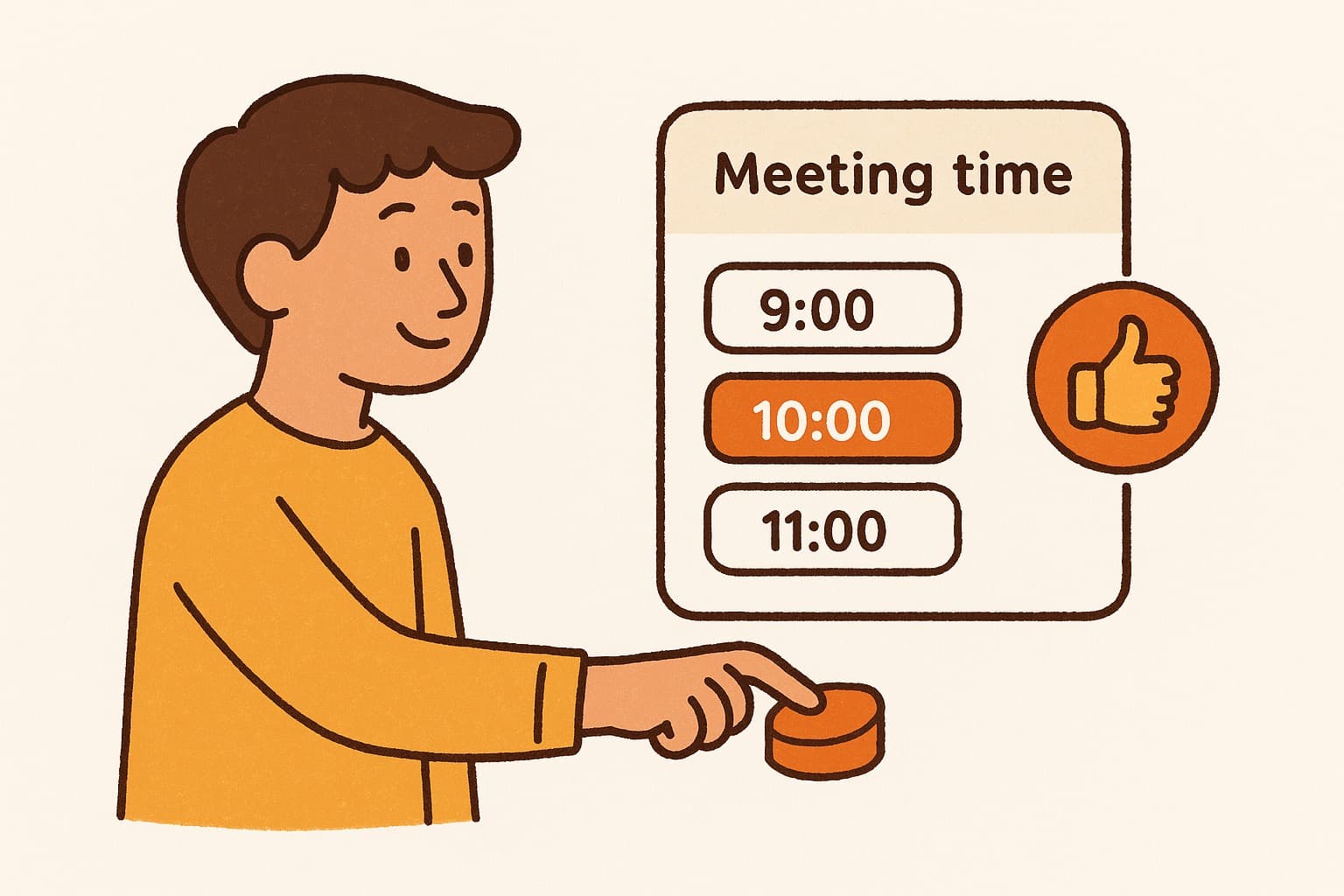
Trying to figure out when to poll meeting time with a group of people? You already know how this goes: someone sends an email with three options, half the replies say none of those work, two people never respond, and three weeks later you're still trying to pick a Tuesday. There's a better way.
Polling for a meeting time takes about 30 seconds when you have the right tool — and everyone clicks their availability instead of writing another email. Here's exactly how to do it.
Why Polling Beats Back-and-Forth Emails
The problem with scheduling by email is that it's asynchronous in the worst way. You send options. People reply one by one, at different times, with different formats. Someone says "morning works," someone else says "I'm free Thursday after 2," and now you're trying to manually match calendars in your head.
A meeting poll flips this. Instead of you managing all the replies, everyone marks their availability in one shared view. You see instantly who can do what. No thread to unravel. No spreadsheet to build.
This is especially useful for:
- •Teams spread across time zones
- •Recurring meetings with rotating attendees
- •One-off projects where not everyone is on your calendar
- •External clients or partners who aren't in your org
The goal is simple: collect everyone's availability in one place, then pick the time that works for the most people.
How to Poll for a Meeting Time — Step by Step
Here's the straightforward process:
Step 1: Pick your tool. You need something that lets you propose time slots and share a link. WhenWorks is one of the fastest options — no account needed, just create a poll and share the link.
Step 2: Choose your candidate times. Don't throw 20 slots at people. Pick 4–8 realistic windows based on what you already know about the group's schedule. If you're scheduling across time zones, the tool should handle the conversion automatically — WhenWorks does this.
Step 3: Share the poll link. Send it via email, Slack, Teams, wherever your group communicates. The link is all they need. No one has to create an account or download anything.
Step 4: Wait for responses. Most people will fill it out within 24 hours if you give them a nudge. A short message like "takes 30 seconds, just click your available times" usually helps.
Step 5: Pick the winner and book it. Once you can see everyone's responses overlaid, the best time slot becomes obvious. Book it, send a calendar invite, done.
That's it. The whole process — from creating the poll to sending the invite — should take under five minutes of your time.
Common Mistakes When Polling for Meeting Time
A few things that trip people up:
Too many options. More than 8–10 slots and people get fatigued. They start picking fewer options or skipping it entirely. Keep it focused.
Waiting too long to close the poll. Set a deadline. "Please respond by Wednesday noon" gets faster replies than "let me know when you can."
Not accounting for time zones. If you're scheduling across regions and your tool doesn't auto-convert times, you'll end up with people confused about whether 3pm means 3pm their time or yours. Use a tool that handles this.
Sending the poll, then sending the same calendar invite anyway. This defeats the purpose. Collect the data first, then book it.
Choosing the time that works for you, not the group. The poll is there to find the best overlap — use it. If you ignore the data, don't bother polling.
The Simplest Way to Poll for a Meeting Time Right Now
If you want to skip the setup and just get a poll link in the next minute:
- •Go to whenworks.cc
- •Select the dates and times you want to offer
- •Copy your poll link
- •Paste it wherever your group is
No account. No credit card. No onboarding checklist. Just a clean, shareable poll that collects availability and shows you the overlap.
Scheduling is one of those things that should be invisible — a quick step before the real work, not a multi-day email saga. Polling for a meeting time is the fix, and it works every time.
Try WhenWorks free at whenworks.cc — no signup required.
Before you act on this advice
- Define the decision deadline before you send the poll.
- Offer enough options to find overlap without overwhelming respondents.
- Plan the follow-up step: reminder, final decision, and calendar invite.
Common traps to avoid
- Skipping the response deadline often turns a clear guide into a drifting process.
- Too much flexibility can create more confusion rather than more attendance.
- Always plan how you will finalize the decision before you ask for input.
Best next step
Apply the guide to one real scheduling decision this week so you can refine the process from experience instead of theory.
Why you can trust this page
Guide articles are written to help someone move from “we need a time” to a concrete decision, using the same poll, reminder, and follow-up patterns that the WhenWorks product is built around.
Public guides on WhenWorks are tied to the product and support context behind the site. We explain our editorial process publicly so readers can judge whether the page feels complete and trustworthy for their use case.
Want the policy context behind this article? Review our editorial standards or contact the team.
Questions people usually ask
How do I know if my process is working?
You should see faster responses, less back-and-forth, and clearer final decisions. If the process still depends on repeated manual reminders, it likely needs refinement.
What is the most common guide-related mistake?
People follow the setup steps but forget to plan the close: who decides, when the response window ends, and how the final answer gets communicated.
