Who this guide is for
Organizers who want a practical step-by-step way to get a group to one decision quickly.
Use this guide when
Tired of endless email chains to find meeting times? Learn how to schedule meetings without back-and-forth emails using simple, modern tools.
"I'm free Tuesday afternoon." "Tuesday doesn't work for me—how about Wednesday?" "Wednesday morning I'm in another meeting. Thursday?" If this conversation looks familiar, you're losing hours of your life to scheduling overhead.
The average professional spends 4.8 hours per week on scheduling-related tasks. For managers and client-facing roles, that number climbs even higher. The back-and-forth isn't just annoying—it's expensive.
But there's a better way. Modern scheduling tools eliminate the ping-pong entirely, replacing email threads with single-link solutions that find consensus automatically.
The Hidden Cost of Email Scheduling
Email scheduling seems efficient because everyone has it. But the hidden costs accumulate quickly:
Context switching. Every email interruption pulls you out of deep work. Studies show it takes 23 minutes to fully refocus after an interruption.
Decision fatigue. Comparing multiple schedules across time zones and commitments drains mental energy that could go toward actual work.
Error rates. Miscommunication in text leads to double-bookings, missed meetings, and last-minute cancellations.
Delayed responses. Email isn't instant. Every reply cycle might span hours or days, pushing meetings further out.
The Single-Link Solution
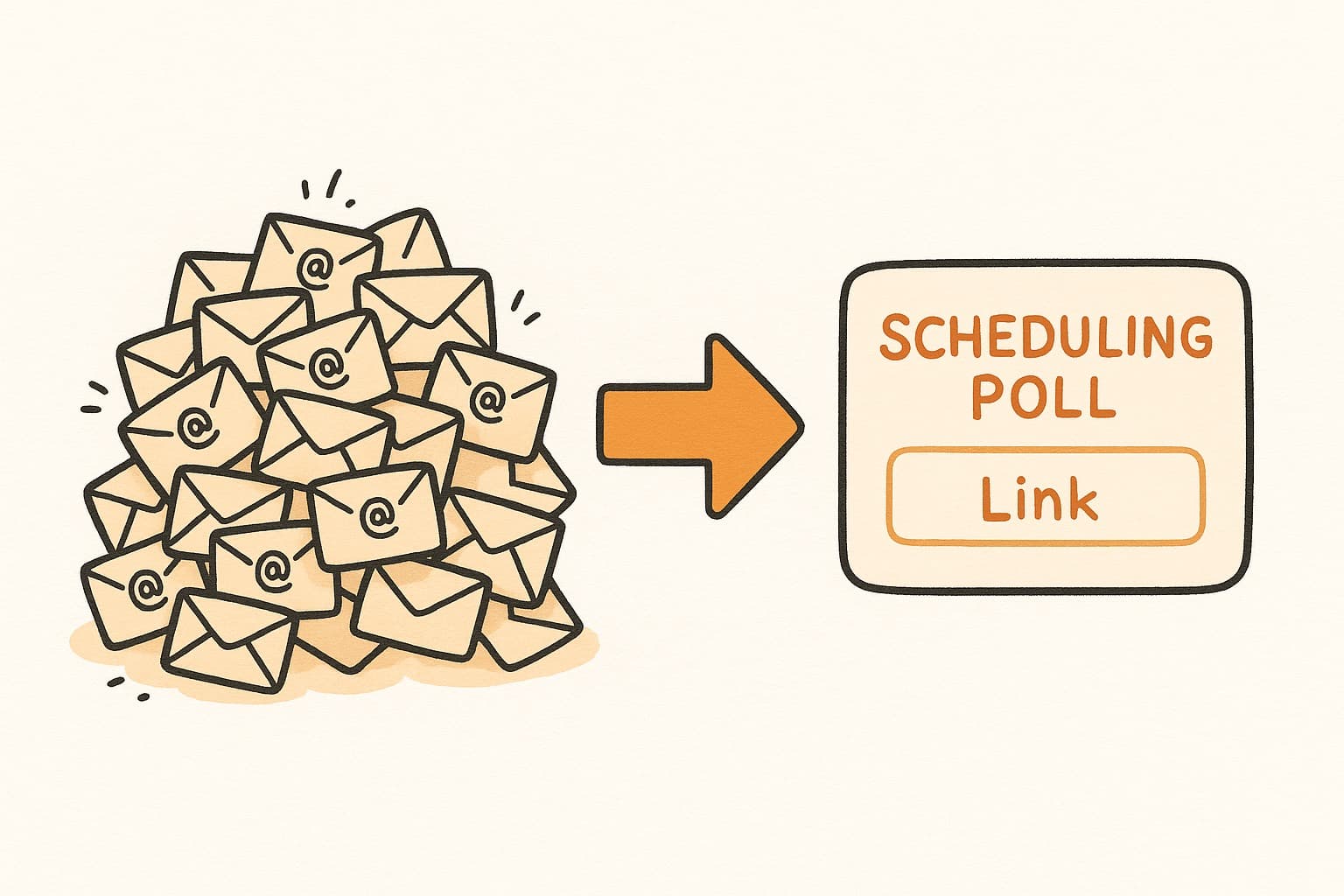
The most effective way to eliminate scheduling email is to replace the conversation with a poll. Instead of proposing times and waiting for responses, you create a scheduling link with your available windows and let everyone mark what works.
Here's how it works in practice:
- •Select a few potential meeting windows
- •Generate a scheduling poll
- •Send one email with the link
- •Participants click and mark availability—no account needed
- •Review the results and pick the time that works for most
No back-and-forth required. The entire conversation collapses into one link.
Best Practices for Poll-Based Scheduling
To maximize success, follow these guidelines:
Offer 4-6 time options. Too few limits flexibility; too many creates decision paralysis.
Include time zones if participants span regions. Nothing kills a meeting faster than a 6 AM surprise.
Set a response deadline. Give people 24-48 hours to respond, then make the call.
Confirm immediately. Once you've chosen a time, send calendar invites within minutes while it's fresh.
WhenWorks: Zero-Friction Scheduling
WhenWorks makes this workflow effortless. Create your poll in under a minute, share one link, and watch availability populate in real-time. Participants don't need accounts or tutorials—they just click and select.
The visual grid makes consensus obvious at a glance. No more parsing email threads or maintaining spreadsheets of who's available when.
Stop living in your inbox to schedule meetings. Try WhenWorks free at whenworks.cc and reclaim those hours for work that matters.
Before you act on this advice
- Define the decision deadline before you send the poll.
- Offer enough options to find overlap without overwhelming respondents.
- Plan the follow-up step: reminder, final decision, and calendar invite.
Common traps to avoid
- Skipping the response deadline often turns a clear guide into a drifting process.
- Too much flexibility can create more confusion rather than more attendance.
- Always plan how you will finalize the decision before you ask for input.
Best next step
Apply the guide to one real scheduling decision this week so you can refine the process from experience instead of theory.
Why you can trust this page
Guide articles are written to help someone move from “we need a time” to a concrete decision, using the same poll, reminder, and follow-up patterns that the WhenWorks product is built around.
Public guides on WhenWorks are tied to the product and support context behind the site. We explain our editorial process publicly so readers can judge whether the page feels complete and trustworthy for their use case.
Want the policy context behind this article? Review our editorial standards or contact the team.
Questions people usually ask
How do I know if my process is working?
You should see faster responses, less back-and-forth, and clearer final decisions. If the process still depends on repeated manual reminders, it likely needs refinement.
What is the most common guide-related mistake?
People follow the setup steps but forget to plan the close: who decides, when the response window ends, and how the final answer gets communicated.
