Who this guide is for
Organizers who want a practical step-by-step way to get a group to one decision quickly.
Use this guide when
Planning an event shouldn't require your guests to create accounts. Discover no-signup scheduling polls that make event planning effortless.
Event planning is hard enough without adding scheduling friction. Whether you're organizing a birthday party, corporate retreat, volunteer day, or family reunion, getting people to commit to a time shouldn't be the hardest part.
Yet many event organizers use tools that create barriers for guests. Account requirements, app downloads, and complex interfaces all reduce response rates and increase your workload.
The best event planners know: lower friction means higher attendance. A no-signup scheduling poll can be the difference between a well-attended event and a disappointing turnout.
The Event Planning Scheduling Challenge
Events face unique coordination challenges:
Diverse guests. Weddings mix tech-savvy friends with relatives who struggle with smartphones. Corporate events blend internal teams with external partners. Your tool needs to work for everyone.
Commitment reluctance. People hesitate to create accounts for one-time events. The perceived cost (privacy, time, inbox clutter) outweighs the benefit.
Multiple dates. Events often have flexibility—a weekend in June, sometime in August. Your scheduling tool should handle date ranges, not just specific times.
Last-minute changes. Events evolve. You need a tool that lets you adjust easily without starting over.
What Makes a Great Event Scheduling Poll
Look for these features when choosing an event scheduling tool:
Zero participant barriers. Guests should click a link and immediately indicate availability. No accounts, no apps, no verification emails.
Mobile-first design. Most guests will respond from phones. The interface must work perfectly on small screens.
Flexible date handling. Support for both specific times and broader date ranges ("any Saturday in May").
Visual results. You should see at a glance which option has the most votes.
Easy sharing. Simple link sharing via text, email, or social media.
Event Scheduling Best Practices
Maximize your response rates with these tactics:
Cast a wide net. Offer multiple date options. The more flexibility you provide, the higher your attendance will be.
Set clear deadlines. Give people a specific date to respond by. Open-ended polls drag on indefinitely.
Send reminders. One reminder 24 hours before the deadline significantly boosts response rates.
Confirm quickly. Once you've picked the date, communicate it immediately while enthusiasm is high.
WhenWorks: Event Planning Made Simple
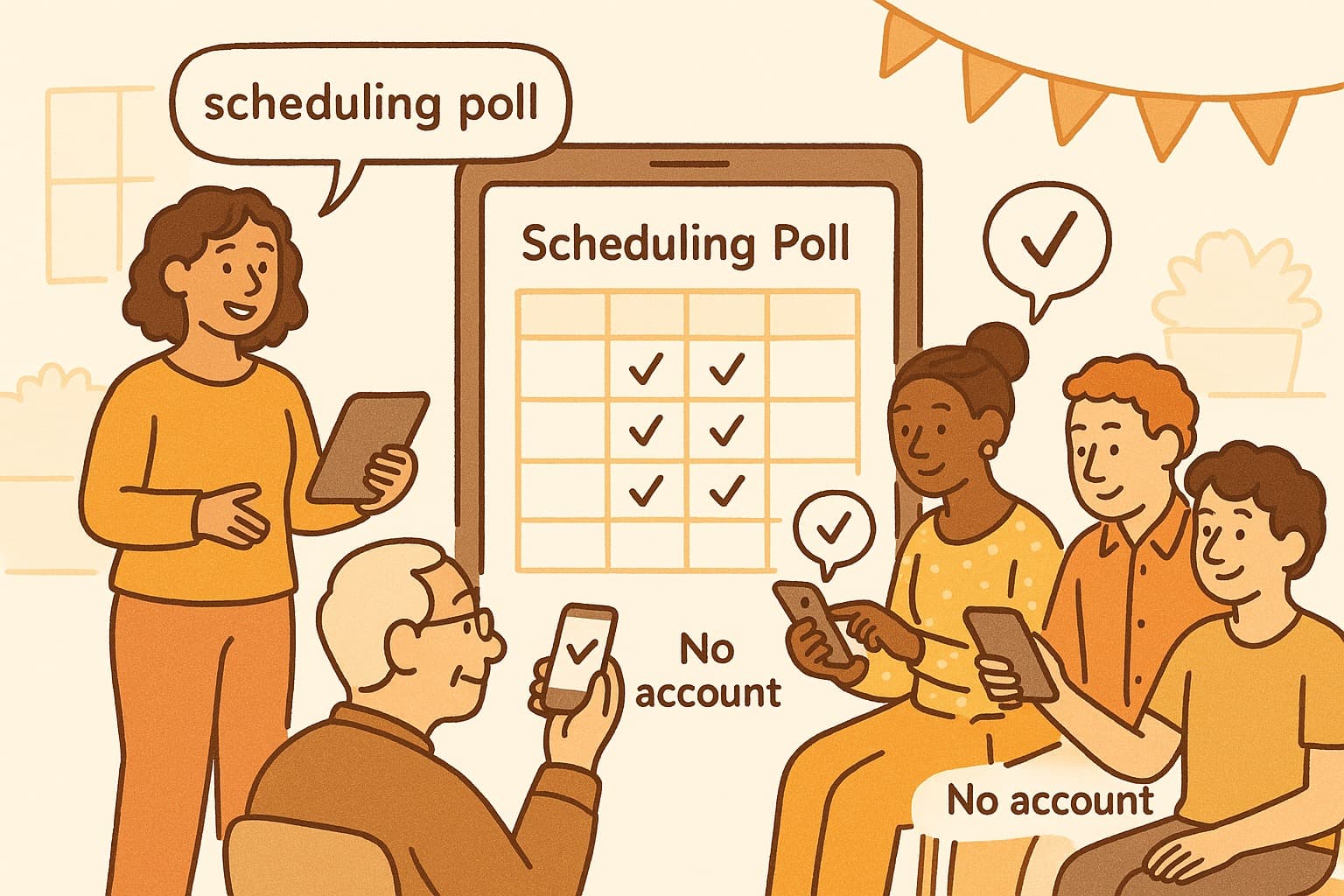
WhenWorks is perfect for event scheduling. Create a poll in seconds, share the link however you want, and watch responses come in. Guests don't need accounts or apps—they just click and select.
The visual grid makes it easy to identify the winning date. Mobile optimization ensures everyone can participate, regardless of tech comfort level.
From intimate dinner parties to large corporate events, WhenWorks removes the scheduling friction that kills attendance.
Plan your next event without the signup headaches. Try WhenWorks free at whenworks.cc.
Before you act on this advice
- Define the decision deadline before you send the poll.
- Offer enough options to find overlap without overwhelming respondents.
- Plan the follow-up step: reminder, final decision, and calendar invite.
Common traps to avoid
- Skipping the response deadline often turns a clear guide into a drifting process.
- Too much flexibility can create more confusion rather than more attendance.
- Always plan how you will finalize the decision before you ask for input.
Best next step
Apply the guide to one real scheduling decision this week so you can refine the process from experience instead of theory.
Why you can trust this page
Guide articles are written to help someone move from “we need a time” to a concrete decision, using the same poll, reminder, and follow-up patterns that the WhenWorks product is built around.
Public guides on WhenWorks are tied to the product and support context behind the site. We explain our editorial process publicly so readers can judge whether the page feels complete and trustworthy for their use case.
Want the policy context behind this article? Review our editorial standards or contact the team.
Questions people usually ask
How do I know if my process is working?
You should see faster responses, less back-and-forth, and clearer final decisions. If the process still depends on repeated manual reminders, it likely needs refinement.
What is the most common guide-related mistake?
People follow the setup steps but forget to plan the close: who decides, when the response window ends, and how the final answer gets communicated.
