Who this guide is for
Readers trying to make group scheduling simpler and more reliable.
Use this guide when
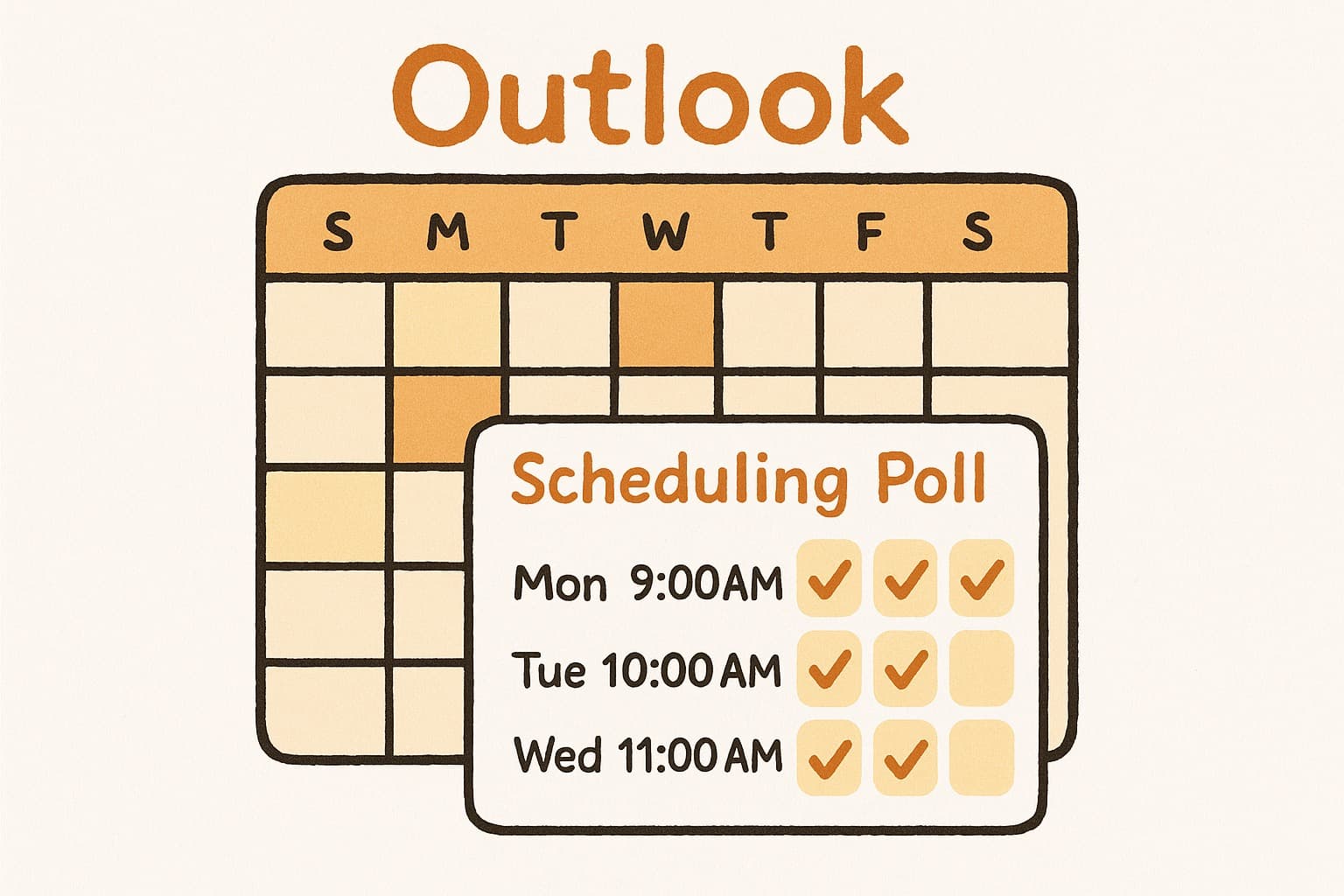
You've been there. Eight emails back and forth just to find a time that works for everyone. You finally decide to use Outlook's Scheduling Poll featur...
You've been there. Eight emails back and forth just to find a time that works for everyone. You finally decide to use Outlook's Scheduling Poll feature to cut through the chaos — only to discover it's not as simple as it should be.
If that sounds familiar, you're not alone. Many teams are looking for a cleaner, faster alternative to Outlook's scheduling polls. That's where WhenWorks comes in.
The Problem with Outlook Scheduling Polls
Outlook's Scheduling Poll feature sounds good on paper. It's built right into your email, so you'd think it would be seamless. But here's what actually happens when you try to use it in the real world.
The Microsoft Account Requirement
Here's the biggest issue: recipients must sign in with a Microsoft account to vote. If someone uses Gmail, Apple Mail, Proton Mail, or any other email provider, they're effectively locked out. That "simple" poll suddenly becomes a barrier that prevents people from participating.
This is particularly painful when you're trying to schedule with:
- •Clients who use Google Workspace
- •Contractors who prefer not to create yet another account
- •External partners outside your organization
- •Family members who don't live in the Microsoft ecosystem
The moment you need to include someone without a Microsoft account, the "simple" scheduling poll becomes anything but simple.
Technical Issues Are Surprisingly Common
Dig through Microsoft support forums and you'll find countless complaints about Scheduling Poll failures:
- •
Polls that won't load — Users click the voting link and nothing happens. The page spins indefinitely or shows a generic error.
- •
Verification code problems — Some users report being asked for verification codes they never set up, locking them out of their own polls.
- •
Inconsistent behavior — A poll works fine for some recipients but fails completely for others, even within the same organization.
- •
Browser compatibility issues — The voting interface doesn't work reliably across all browsers, especially in private/incognito mode.
These aren't edge cases. Multiple threads on Microsoft's own support forums document these problems persisting for months or longer.
A Clunky User Experience
Beyond the technical issues, the actual workflow feels outdated:
- •
Multiple menu navigations — Creating a poll requires clicking through several screens in Outlook's calendar interface
- •
No standalone link — Your poll lives inside an email thread. There's no way to share it as a standalone URL
- •
Limited customization — You can't easily customize the look and feel or add branding
- •
Tied to email — The entire experience assumes everyone communicates via Outlook email, which simply isn't true anymore
It Only Works Within Microsoft
Outlook's Scheduling Poll was designed for organizations that live entirely within the Microsoft 365 ecosystem. If your team, clients, or partners use any other tools, you're already outside the target use case.
This limitation matters more than ever. Remote work means teams span multiple companies, email providers, and communication tools. A scheduling tool that only works within Microsoft is increasingly impractical.
WhenWorks: The Modern Alternative
WhenWorks was built specifically to solve these problems. It's a free scheduling poll tool that works in seconds — no account required, no Microsoft ecosystem needed, no technical headaches.
How It Works
- •
Create a poll in 30 seconds. Enter your event details, select available times, and share the link. That's it.
- •
Share anywhere. Send the poll link via email, text, Slack, WhatsApp, Discord — anywhere. Recipients don't need an account to vote.
- •
See results instantly. Everyone votes on their availability, and you get a clear view of the best time slot.
- •
No friction. No sign-up. No downloads. No Microsoft account. It just works.
Built for the Real World
WhenWorks understands that modern scheduling involves people outside your organization. That's why:
- •
Everyone can participate — Recipients vote without creating any account, regardless of their email provider
- •
Cross-platform from day one — Works seamlessly on desktop, tablet, and mobile
- •
Shareable links — Your poll lives at a unique URL that you can share anywhere, embed in websites, or include in any communication channel
- •
Clean, focused experience — No account wall for voters, no distractions, just the functionality you need
Outlook vs WhenWorks: Side-by-Side Comparison
| Feature | Outlook Scheduling Poll | WhenWorks | |---------|------------------------|-----------| | Account required | Yes - Microsoft account needed | No account required for voters; free tier starts at 10 polls/month | | External recipients | Struggles with non-Microsoft users | Works with everyone | | Setup time | 5+ minutes | 30 seconds | | Shareable link | No - embedded in email | Yes - share anywhere | | Mobile experience | Clunky, requires Outlook app | Optimized for mobile | | Focused voting flow | N/A (Microsoft product) | Yes - voters can respond from the link | | Cross-platform | Limited | Works everywhere | | Poll customization | Basic | Flexible options | | Results visibility | Tied to email thread | Clear dashboard view | | No sign-up for voters | No - Microsoft account required | Yes - vote anonymously | | Browser compatibility | Problematic | Works in all browsers | | Tech support | Forum-based, slow responses | Simple, reliable tool |
Why Teams Switch to WhenWorks
For Freelancers and Consultants
You often work with clients who don't use Outlook. Sending a scheduling poll that requires a Microsoft account creates unnecessary friction. Clients may abandon the poll rather than create yet another account. WhenWorks lets clients vote in seconds — no account creation, no barriers, no excuses.
For Small Teams
Not everyone on your team uses Microsoft 365. Some prefer Gmail, some use Apple Mail, and some use smaller email providers. WhenWorks works regardless of what email provider your team members prefer. It's truly platform-agnostic.
For Client-Facing Work
When you need to schedule calls with prospects, clients, or partners outside your organization, Outlook's Microsoft-centric approach becomes a dealbreaker. WhenWorks works with anyone with an internet connection, whether they use Gmail, Outlook, iCloud, Proton, or any other provider.
For Speed
Outlook's scheduling poll requires navigating through calendar menus, adding attendees, and hoping the poll sends correctly. The learning curve is steep even for experienced Outlook users. WhenWorks strips away the complexity. You create a poll, copy the link, and move on. The entire process takes 30 seconds instead of 5 minutes.
For Anyone Who Values Simplicity
At its core, the difference comes down to philosophy. Outlook's scheduling poll assumes you want everything integrated into Microsoft's ecosystem. WhenWorks assumes you just want to find a time th}at works — nothing more, nothing less.
Real-World Use Cases
Team standups: Skip the back-and-forth. Create a poll for weekly team meetings and let everyone indicate their availability in seconds. No one needs to create an account or install anything.
Client calls: Stop forcing clients to create Microsoft accounts just to schedule a call. Send a WhenWorks link and they pick a time that works. Simple for them, simple for you.
Project kickoffs: Gather availability from stakeholders across different companies and time zones. Some use Gmail, some use Outlook, some use everything in between. With WhenWorks, it doesn't matter.
Board meetings: External board members often use personal email accounts. Don't make them jump through hoops just to confirm a meeting time.
Social events: Planning a team lunch, happy hour, or offsite? WhenWorks makes it painless to find a time that works for everyone, regardless of what email system they use.
Family coordination: Scheduling family gatherings across different households with different email preferences is simple with WhenWorks. Grandma doesn't need a Microsoft account to vote on Thanksgiving dinner.
The Bottom Line
Outlook's Scheduling Poll feature was built for organizations deeply embedded in the Microsoft ecosystem. If that's not you — or if you work with people outside Microsoft — it's more trouble than it's worth.
WhenWorks gives you the core functionality you actually need: a fast, free way to find a time that works for everyone. No accounts. No friction. No complexity. No Microsoft dependency.
The next time you need to schedule something with a group, skip the Outlook scheduling poll. Try WhenWorks instead.
Try WhenWorks free at whenworks.cc — no signup required to vote.
Before you act on this advice
- Look for the smallest process that still gets you a confident answer.
- Keep the group experience simple for first-time participants.
- Document the final outcome so nobody has to guess what was decided.
Common traps to avoid
- Simple systems work best when the organizer explains them clearly from the start.
- Over-customizing the process often adds work without improving outcomes.
- Make one decision well before trying to optimize every part of the workflow.
Best next step
Use the simplest version of this advice on your next real coordination task and then improve it based on what actually happens.
Why you can trust this page
Our editorial approach centers on real scheduling decisions, not generic productivity filler.
Public guides on WhenWorks are tied to the product and support context behind the site. We explain our editorial process publicly so readers can judge whether the page feels complete and trustworthy for their use case.
Want the policy context behind this article? Review our editorial standards or contact the team.
Questions people usually ask
What is the best next step after reading this article?
Apply the advice to one real scheduling scenario soon while the ideas are still concrete. Practical use is the fastest way to see what actually fits your workflow.
How should I adapt this guidance to my situation?
Keep the principles and simplify the process around your real constraints, such as group size, urgency, and whether you control the calendar or need consensus.