Who this guide is for
Readers trying to make group scheduling simpler and more reliable.
Use this guide when
Students get confused by Doodle's interface. Login requirements kill response rates. Here's why professors are switching to cleaner, simpler scheduling tools for committee meetings and office hours.
If you're a professor who's tried to use Doodle to schedule a committee meeting or set up office hours, you've probably hit the same wall: students get confused, half don't respond, and the ones who do complain about having to create yet another account.
The irony is that Doodle was supposed to make scheduling easier. For many academics, it's made things worse.
The good news? Better alternatives exist—tools designed for the way professors actually work, with students who just want to tap a few times and move on with their lives.
The Doodle Problem: Death by a Thousand Clicks
Here's what actually happens when a professor sends out a Doodle poll:
Students get confused by the interface. Doodle's group-consensus UI works fine for "when should we get dinner?" but falls apart for academic scheduling. Students expect to pick their individual availability—like they would for office hours—but Doodle's design suggests they're voting for the "best" time for everyone. The result? Confused students and incomplete data.
Login prompts hurt response rates. Some Doodle flows can prompt participants to create accounts or verify emails before voting. For a student trying to sign up for office hours between classes, this is an instant dealbreaker. They close the tab and forget about it. You never hear from them again.
Upsells and extra prompts. Free-tier Doodle can feel busy around the voting flow. For students already skeptical about clicking unknown links, extra prompts reduce trust and completion.
Mobile experience is terrible. Students live on their phones. Doodle's mobile interface feels like a desktop site crammed into a small screen. Scrolling through time slots is clunky. Buttons are tiny. Students give up halfway through.
The result? Professors send Doodle polls and get incomplete availability data when they need a clear answer. The tool that was supposed to solve coordination became the coordination problem.
When2Meet: The 2009 Solution to a 2026 Problem
Some professors turned to When2Meet as an alternative. It's free, simple, and students don't need accounts. But it has its own issues:
The interface hasn't changed since 2009. It looks like a relic from the early internet. Students accustomed to modern apps find it confusing and untrustworthy.
Mobile doesn't work. When2Meet was built for desktop. On a phone, it's nearly unusable. Since most students check their email on mobile first, this is a fatal flaw.
No time zone handling. For online courses or international students, When2Meet offers no help with time zone conversions. Professors end up fielding confused emails from students who showed up at the wrong time.
When2Meet was innovative in its day, but we're long past that day.
What Professors Actually Need
Academics don't need fancy features or enterprise integrations. They need a scheduling tool that:
Works instantly for students. No accounts. No verification emails. Click the link, tap your available times, done in 30 seconds. Anything slower loses students.
Is obviously safe and professional. Clean interface with minimal friction or suspicious prompts. Students need to trust the link you're sending them.
Works perfectly on mobile. Most students will open your poll on their phone between classes. The tool needs to work flawlessly in that context.
Handles individual availability, not group consensus. Office hours aren't a democracy. You need to see each student's availability separately, not have them vote on a single "best" time.
The Comparison: Doodle vs When2Meet vs WhenWorks
| Feature | Doodle | When2Meet | WhenWorks |
|---|---|---|---|
| Login required for voters | Often yes | No | No |
| Free-plan limits | 10-slot cap | Yes | 10 polls/month |
| Mobile-friendly | Mediocre | No | Yes |
| Modern interface | Dated | Very dated | Clean |
| Free tier | Limited | Yes | Yes |
| Time zone handling | Yes | No | Yes |
Why WhenWorks Works for Academics
WhenWorks was built for exactly this use case: professors who need students to actually respond.
Zero friction for students. They click your link and immediately see a calendar. They tap the times they're free. They hit submit. No account creation, no email verification, no confusion. The whole process takes 20 seconds.
Designed for mobile first. The interface works perfectly on phones. Students can respond while walking to class, waiting for the bus, or standing in line at the campus coffee shop.
Individual availability, not group voting. Each student indicates when they're free. You see a clear grid showing overlapping availability. Perfect for office hours, committee meetings, or research group scheduling.
Professional and trustworthy. Clean design without clutter or aggressive upsell prompts. Students don't hesitate to click the link.
Free for typical academic use. Most professors never hit the limits of the free tier. No budget requests, no procurement process, no IT approval needed.
Real Use Cases
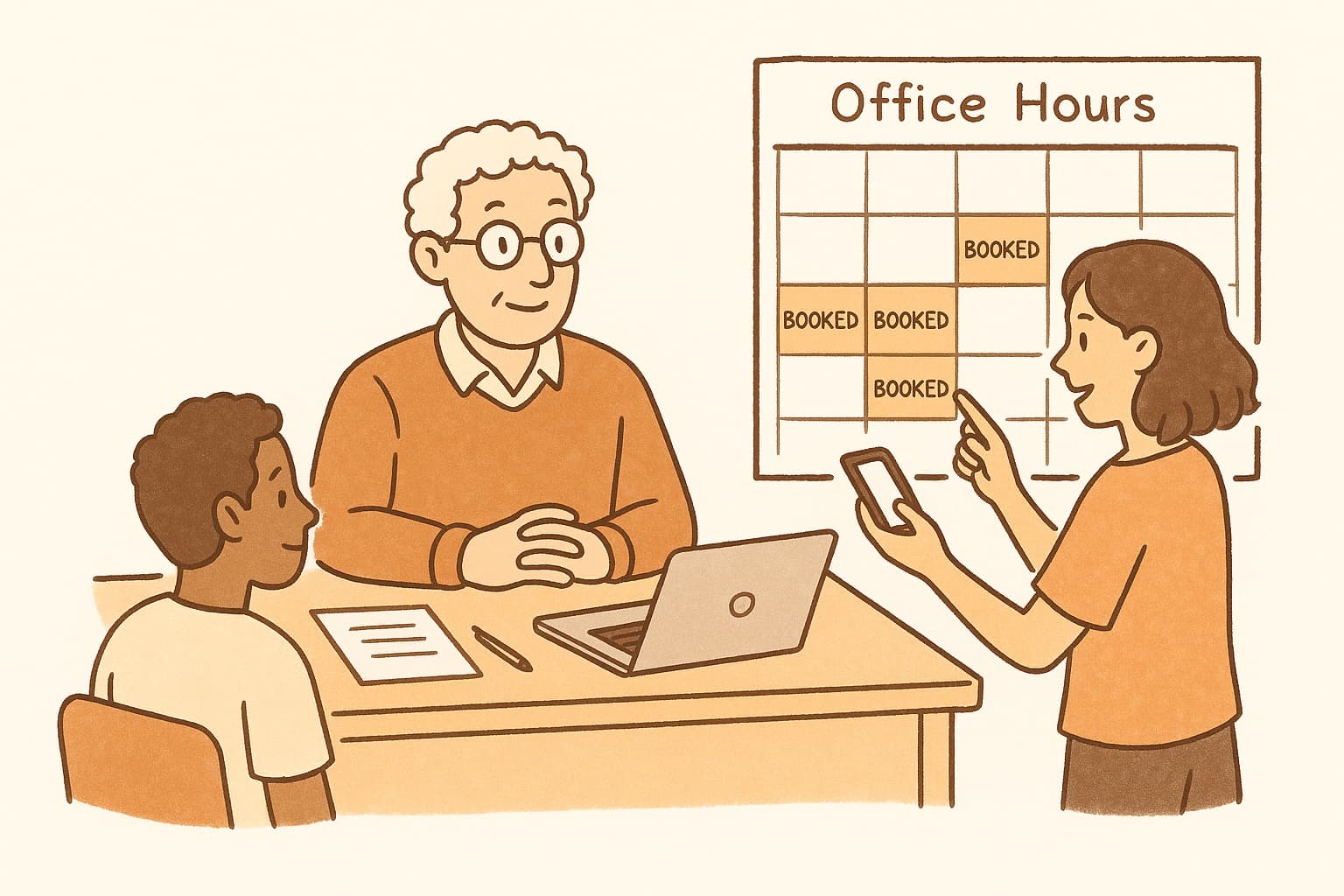
Weekly office hours: Post the poll link in your syllabus and course site. Students book slots throughout the semester without emailing you.
Thesis committee meetings: Coordinate three or four faculty calendars without the email chains. Everyone indicates availability, and the overlap becomes immediately obvious.
Study sessions and review sessions: Let students vote on times for optional review sessions before exams. Offer sessions only when sufficient demand exists.
Research group meetings: Weekly lab meetings with rotating participants who have different schedules each week.
The Bottom Line
Doodle was innovative when it launched. But for professors in 2026, it's become more problem than solution. Students expect mobile-first tools with low friction. When you give them a desktop-era interface with login prompts and extra steps, they don't respond.
The fix is simple: use a tool built for how students and professors actually work. Less confusion, fewer account prompts, fewer emails asking "how do I use this?"
<a href="https://www.whenworks.cc/polls/new">Try WhenWorks for your next committee meeting or office hours signup</a>—students will actually respond, and you'll wonder why you ever bothered with Doodle.
Before you act on this advice
- Look for the smallest process that still gets you a confident answer.
- Keep the group experience simple for first-time participants.
- Document the final outcome so nobody has to guess what was decided.
Common traps to avoid
- Simple systems work best when the organizer explains them clearly from the start.
- Over-customizing the process often adds work without improving outcomes.
- Make one decision well before trying to optimize every part of the workflow.
Best next step
Use the simplest version of this advice on your next real coordination task and then improve it based on what actually happens.
Why you can trust this page
Our editorial approach centers on real scheduling decisions, not generic productivity filler.
Public guides on WhenWorks are tied to the product and support context behind the site. We explain our editorial process publicly so readers can judge whether the page feels complete and trustworthy for their use case.
Want the policy context behind this article? Review our editorial standards or contact the team.
Questions people usually ask
What is the best next step after reading this article?
Apply the advice to one real scheduling scenario soon while the ideas are still concrete. Practical use is the fastest way to see what actually fits your workflow.
How should I adapt this guidance to my situation?
Keep the principles and simplify the process around your real constraints, such as group size, urgency, and whether you control the calendar or need consensus.