Who this guide is for
Teams and organizers replacing Doodle who care about price, response rates, and a cleaner participant experience.
Use this guide when
Use this comparison when your current process already involves group polls and the pain is no longer theoretical. If people ignore invites, complain about ads, or struggle to answer from their phone, the right replacement usually comes down to responder friction rather than the longest feature list.
Doodle's free tier now limits you to one active poll at a time, with ads on every page and constant nudges to upgrade. If you just want to send a poll, get votes, and pick a time — here are 10 tools that actually do that without the friction.
Quick Comparison
| Tool | Free? | No login to vote? | No ads? | |------|-------|-------------------|---------| | WhenWorks | Yes | Yes | Yes | | When2meet | Yes | Yes | Yes | | Rallly | Yes | Yes | Yes | | LettuceMeet | Yes | No | Yes | | Cally | Limited | Yes | Yes | | NeedToMeet | Yes (ads) | Yes | No | | Calendly | Limited | No | Limited | | Doodle | Limited | Yes | No | | Xoyondo | Yes | Yes | Yes | | Framadate | Yes | Yes | Yes |
1. WhenWorks — Best Free Doodle Alternative
Price: Free (10 polls/mo) | Pro $6/mo (unlimited)
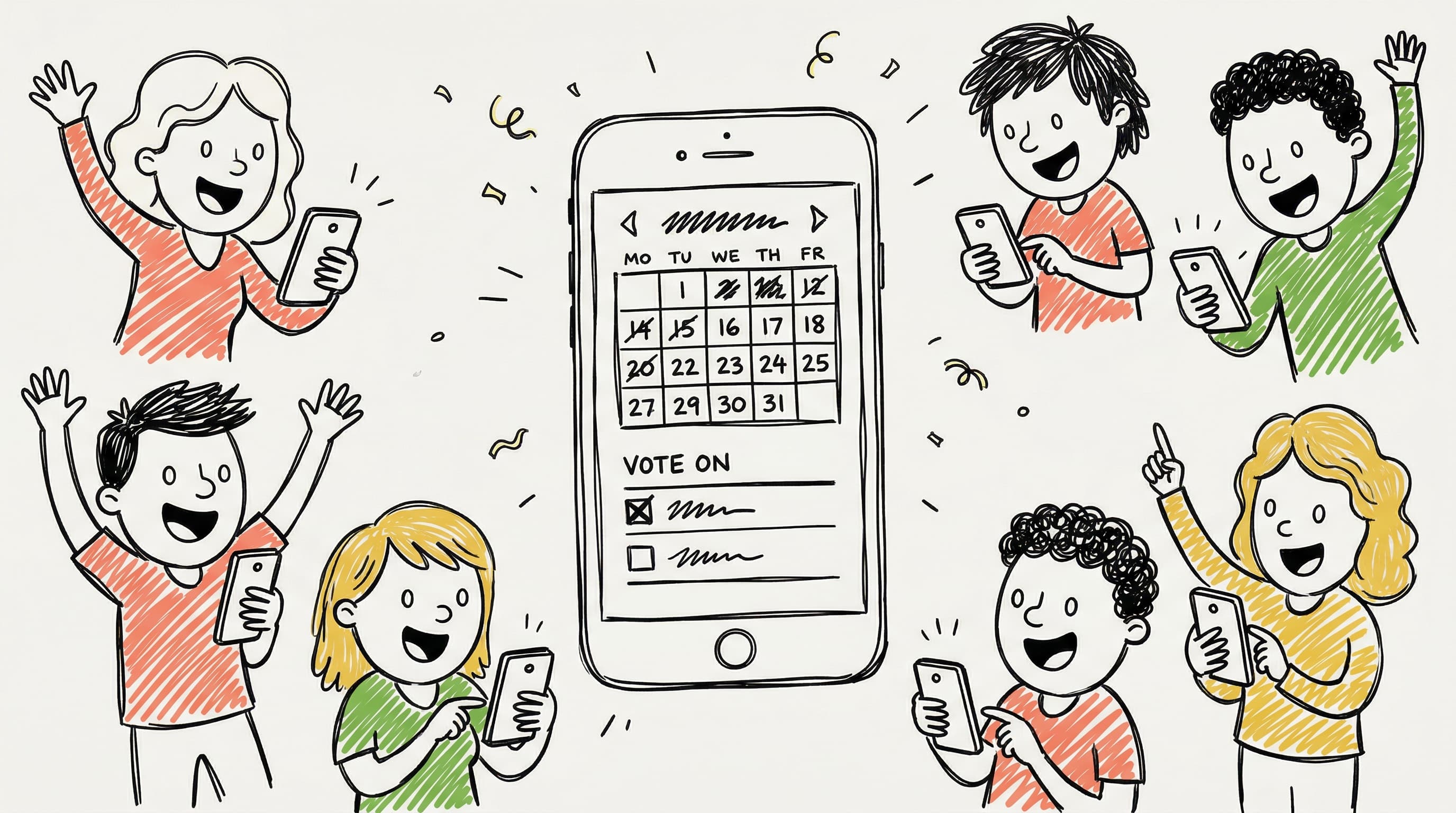
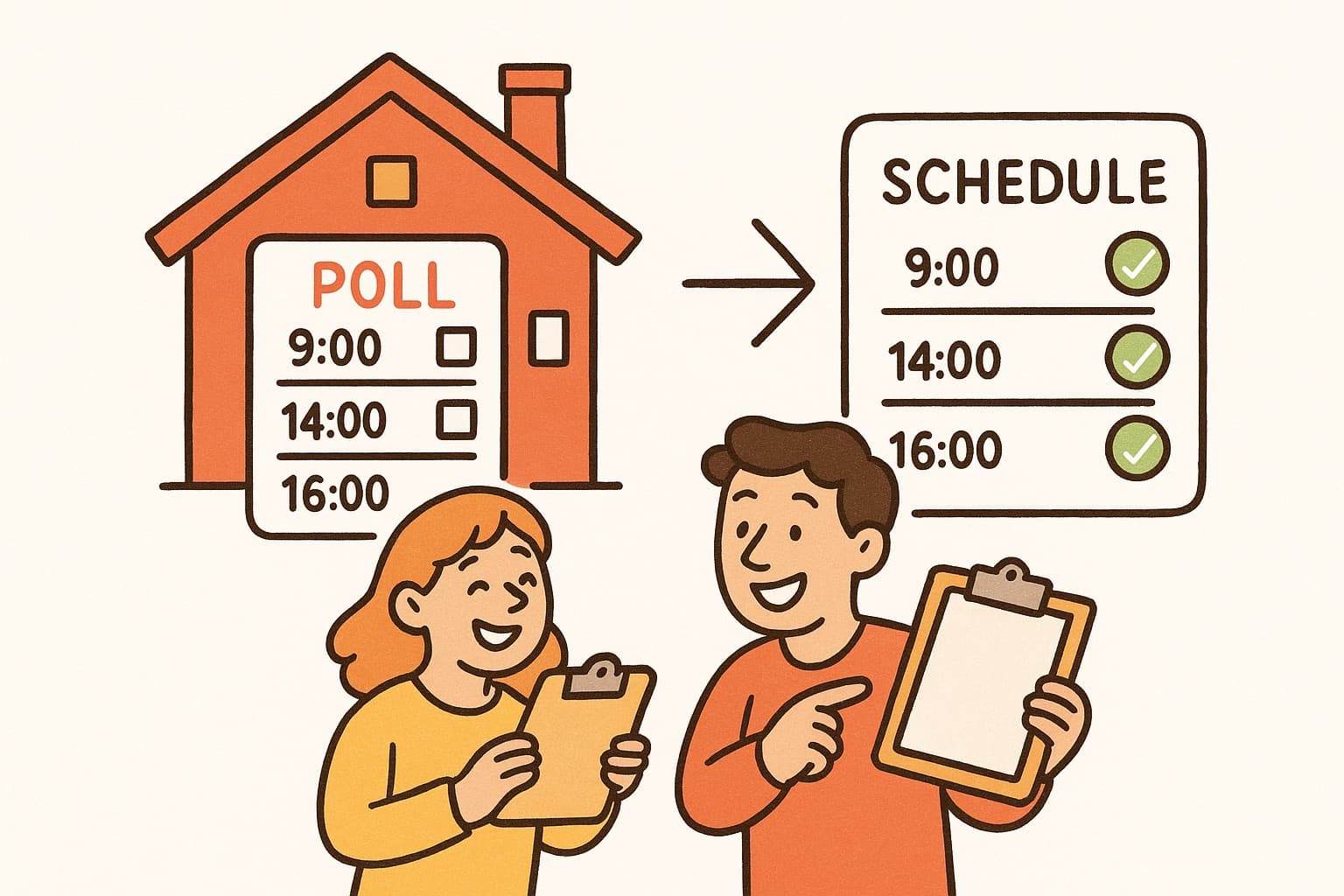
WhenWorks is built for exactly this use case: create a scheduling poll, share a link, let everyone vote without creating an account, and pick the time with the most votes. The product is designed to keep the voting flow simple, especially for respondents who only need to answer once.
What sets it apart from Doodle:
- •Doodle limits free users to one active poll at a time. WhenWorks gives you 10 polls per month free.
- •Doodle shows ads on every page, including the voting page your respondents see. WhenWorks keeps the voter flow focused on responding quickly instead of pushing participants through extra setup.
- •Doodle has added enough complexity over the years that first-time users often get lost. WhenWorks takes under 60 seconds to create and share a poll.
- •Works well on mobile — respondents don't need to pinch and zoom to vote.
Best for: Anyone who wants a simple scheduling poll with low participant friction. Especially useful for professors scheduling office hours, teams coordinating across time zones, and groups planning events.
Create a free scheduling poll with WhenWorks | See how it compares to Doodle
2. When2meet
Price: Free
When2meet has been around for years and still works. It's completely free, requires no account to vote, and shows a heat-map grid of when everyone is available. The interface looks like it was built in 2005 — because it mostly was — but it gets the job done.
Best for: Quick polls with people who don't care about design.
3. Rallly
Price: Free (open source, self-hostable)
Rallly is a clean, open-source scheduling tool. You propose dates, respondents vote yes/no/if need be. No account required to participate. For privacy-focused teams or those who want to self-host, it's a strong option.
Best for: Developers, open-source advocates, privacy-conscious teams.
4. LettuceMeet
Price: Free
LettuceMeet lets respondents mark their availability on a grid by dragging across time slots. It requires participants to create an account to respond, which adds friction — but the visual grid is easy to read.
Best for: Groups where everyone is willing to sign up.
5. Cally
Price: Free (limited), from $4/mo
Cally lets participants share full availability grids rather than just voting on proposed times. If you want to find the best time rather than vote on specific options, this is a good fit. The free tier has limits on respondents.
Best for: Small teams doing availability matching rather than date voting.
6. NeedToMeet
Price: Free (with ads), from $12/mo
NeedToMeet works similarly to Doodle — propose times, let people vote. The free version shows ads, which is the same problem as Doodle. Paid plans are more expensive than most alternatives here.
Best for: Users who want a Doodle-like interface and don't mind ads.
7. Calendly Meeting Polls
Price: Free (limited), from $10/mo
Calendly's primary product is 1-on-1 booking. Their meeting polls feature exists but is secondary. Respondents need to create a Calendly account to participate, which creates friction for external groups.
Best for: Professionals already using Calendly who occasionally need group polls.
8. Xoyondo
Price: Free
Xoyondo is a German-made scheduling tool similar to Doodle. Free, no account required for respondents, works for both date polls and time polls. Less well-known but solid.
Best for: Users who want a straightforward Doodle replacement with a clean interface.
9. Framadate
Price: Free (open source)
Framadate is a French open-source scheduling tool. Fully free, no account needed, simple date or option voting. Good choice for privacy-conscious users in Europe.
Best for: Privacy-focused users, European teams, open-source advocates.
10. Doodle (Free Tier)
Price: Free (limited)
If you're already in the Doodle ecosystem, the free tier still works for basic use — but you're limited to one active poll at a time, you'll see ads throughout, and your respondents will too. The paid plans start at $14.95/month per user, which is hard to justify when free alternatives exist.
Best for: Users who need Doodle specifically for a workflow integration (Google Calendar sync, Slack integration) that free alternatives don't support.
What to Look for in a Doodle Alternative
Most people switching from Doodle want the same things: no login barrier for voters, a cleaner participant experience, and a simple mobile flow. WhenWorks, When2meet, Rallly, and Xoyondo all deliver some version of that. The differences come down to design quality, extra features (time-zone handling, availability grids), and how many polls you need per month.
If you create polls frequently and want a polished experience, WhenWorks is worth a look — it's free for casual use and $6/month for unlimited polls.
Try WhenWorks free — create a poll in 30 seconds, no account needed to vote.
Before you act on this advice
- Define whether you need group polling, 1-on-1 booking, or both before comparing tools.
- Test the responder flow from a phone, not just the organizer dashboard on desktop.
- Check free-tier limits on poll volume, participant access, and calendar export before migrating.
Common traps to avoid
- Choosing based on brand familiarity alone can lock you into a tool that participants tolerate rather than like using.
- Comparing only pricing pages misses the real cost: lower response rates, more reminders, and more manual follow-up.
- Running a migration without testing one live poll first can create confusion for repeat participants and teammates.
Best next step
Pick two finalists and run a real scheduling poll with each before committing. The winning tool is usually the one that gets fast responses with the least explanation from you.
Why you can trust this page
We review comparison topics through the lens of real scheduling workflows, free-tier friction, participant experience, and setup requirements that affect whether a group can actually use the tool successfully.
Public guides on WhenWorks are tied to the product and support context behind the site. We explain our editorial process publicly so readers can judge whether the page feels complete and trustworthy for their use case.
Want the policy context behind this article? Review our editorial standards or contact the team.
Questions people usually ask
What matters most when replacing Doodle?
The biggest factor is how easy it is for participants to answer. If they hit ads, account walls, or a confusing interface, response rates drop even when the organizer likes the tool.
Should I only compare free plans?
Free plans are worth comparing, but you should also look at what happens when your workflow grows. A cheap upgrade that removes friction can save more time than a free plan with heavy limits.