Who this guide is for
People comparing scheduling tools for a specific workflow, team, or event format.
Use this guide when
Calendly is built for 1:1 booking, not group scheduling. For finding a time that works for your whole team, use a Calendly alternative for groups.
Calendly is not designed for group scheduling — it is a 1:1 booking tool. If you need to find a time that works for an entire group, the best Calendly alternative for group scheduling is WhenWorks, which lets you poll multiple participants and find the time with the most availability overlap.
The Calendly Misconception
Here is a search that happens thousands of times per month: "Calendly for groups." People love Calendly's simplicity for 1:1 scheduling and assume it can handle group coordination. It cannot — at least not in the way most people mean.
Calendly does offer some multi-person features:
- •Round-robin — Distributes 1:1 meetings across team members (not the same as group scheduling)
- •Collective events — Requires all hosts to be available (scheduling with a team, not scheduling among a team)
But neither of these solves the core group scheduling problem: "When are all 8 of us free for a meeting next week?"
That is a fundamentally different problem, and it requires a fundamentally different tool.
1:1 Booking vs Group Scheduling: The Difference
| | Calendly (1:1 Booking) | WhenWorks (Group Scheduling) | |---|---|---| | Use case | One person books time on another's calendar | Multiple people find a shared available time | | Who sets availability | The host | All participants | | Flow | Invitee picks from host's open slots | Everyone marks their availability, best overlap wins | | Participants | 2 (host + invitee) | 3 to 100+ | | Example | Sales call, interview, coaching session | Team meeting, committee sync, group dinner |
If your question is "when can someone meet with me?" — use Calendly. If your question is "when can all of us meet?" — use WhenWorks.
Why People Search for "Calendly for Groups"
The search reveals a real gap in the market. People want:
- •Calendly's ease of use — Simple, modern, just works
- •Applied to a group problem — Finding when everyone is available
- •Without the enterprise price tag — Calendly's team features start at $16/user/month
WhenWorks fills this gap. It has the simplicity of Calendly (create a link, share it, done) applied to the group scheduling problem (everyone marks availability, best time surfaces automatically).
How Group Scheduling Works With WhenWorks
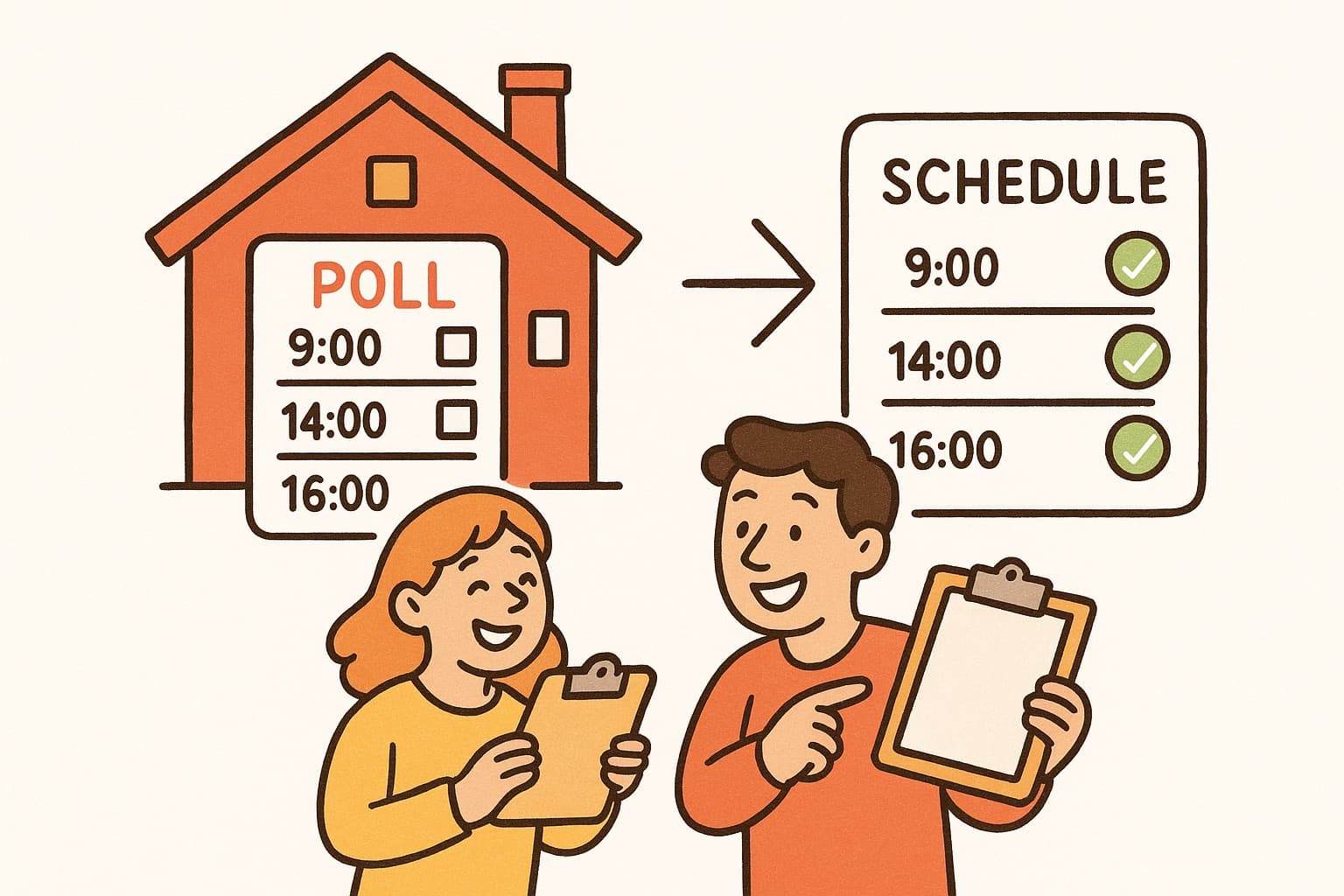
- •Create a poll — Add your proposed meeting dates and times. Takes about 60 seconds.
- •Share the link — Send it to your group via email, Slack, text, or any channel.
- •Everyone votes — Each participant selects the times that work for them. No account needed.
- •See the results — WhenWorks shows you which times have the most overlap. Pick the winner.
Compare this to trying to achieve the same thing with Calendly:
- •You would need every participant to connect their calendar to Calendly
- •You would need a paid team plan
- •The tool would still not show you "when is the whole group free?" in one view
Real-World Group Scheduling Scenarios Calendly Cannot Solve
Team Standups and Recurring Meetings
You need to find a weekly slot that works for 6 team members. With Calendly, each person would need a paid account. With WhenWorks, you create one poll and get everyone's input for free.
Social Events and Dinners
"When should our friend group get dinner?" is not a Calendly use case. You cannot send 8 friends a Calendly link and find mutual availability. A scheduling poll is the right tool.
Academic Scheduling
Coordinating a dissertation defense with 5 committee members, finding office hours that work for 40 students, scheduling a faculty meeting — all group scheduling problems that Calendly was not built for. See our academic scheduling guide.
Client Group Meetings
You need to schedule a kickoff meeting with 4 people from the client side and 3 from yours. Calendly's collective events might work, but only if your team members all have Calendly accounts. WhenWorks handles this with a single free poll.
Cross-Organization Coordination
Coordinating with people outside your organization — volunteers, community members, external collaborators — who will not sign up for Calendly or connect their calendars. A no-login scheduling poll is the only practical option.
WhenWorks vs Calendly: Feature Comparison
| Feature | WhenWorks | Calendly | |---------|-----------|----------| | Group scheduling (3+ people) | Yes (core feature) | Limited (collective events) | | 1:1 booking | Not the focus | Yes (core feature) | | Participant accounts required | No | No (for invitees) | | Free tier | 10 polls/month | 1 event type | | Pro price | $6/month | $12/user/month (billed annually) | | Calendar integration | ICS export, Google/Outlook (Pro) | Full calendar sync | | Mobile experience | Excellent | Excellent | | Automated reminders | No | Yes | | Payment collection | No | Yes (Pro) |
When to Use Calendly vs WhenWorks
Use Calendly when:
- •You need people to book 1:1 time on your calendar
- •You want automated scheduling links for sales calls, interviews, or consultations
- •You need payment collection or automated reminders
- •The flow is always "invitee picks from host's available times"
Use WhenWorks when:
- •You need to find when a group of 3+ people are all available
- •Participants are outside your organization (no shared calendar)
- •You want zero friction for participants (no account required)
- •You are scheduling team meetings, events, academic sessions, or social gatherings
Many people use both: Calendly for their 1:1 bookings and WhenWorks for group coordination.
Frequently Asked Questions
Does Calendly work for group scheduling?
Calendly has limited group features (collective events, round-robin), but it is fundamentally a 1:1 booking tool. It does not solve the core group scheduling problem of finding when multiple people are all available. For group scheduling, a dedicated poll-based tool like WhenWorks is more appropriate.
What is a good Calendly alternative for groups?
WhenWorks is built specifically for group scheduling. You create a poll with proposed times, share the link, and all participants mark their availability without creating accounts. It handles the "when can all of us meet?" question that Calendly is not designed to answer.
How is WhenWorks different from Calendly?
Calendly is a 1:1 booking tool where invitees pick from a host's available times. WhenWorks is a group scheduling tool where all participants share their availability and the best overlapping time is identified. They solve different problems. Calendly answers "when can you meet with me?" and WhenWorks answers "when can all of us meet?"
Can I use Calendly and WhenWorks together?
Yes. Many users use Calendly for their 1:1 scheduling needs (client calls, interviews) and WhenWorks for group coordination (team meetings, events). The two tools complement each other because they solve different scheduling problems.
Is WhenWorks free?
Yes. WhenWorks offers 10 free polls per month and no participant signup requirements. If you need unlimited polls or features like reminders, calendar sync, and custom branding, WhenWorks Pro is $6/month.
How many people can be in a WhenWorks group poll?
There is no limit on the number of participants per poll. WhenWorks works for groups of 3 to 100+. The no-login design ensures high participation rates even in large groups.
Need to find when your whole group is free? Create a free poll at whenworks.cc — it takes 60 seconds and participants do not need accounts.
Before you act on this advice
- Check the real free-tier limits, not just the headline plan name.
- Test the responder experience on mobile before rolling a tool out to a group.
- Verify whether participants need accounts, calendar access, or extra setup.
Common traps to avoid
- Do not judge tools by pricing alone without testing the actual participant experience.
- Avoid comparing features outside the workflow you are genuinely trying to improve.
- One strong live test reveals more than a long list of marketing claims.
Best next step
Choose the two most realistic options for your workflow and test them with a live scheduling task before deciding.
Why you can trust this page
We review comparison topics through the lens of real scheduling workflows, free-tier friction, participant experience, and setup requirements that affect whether a group can actually use the tool successfully.
Public guides on WhenWorks are tied to the product and support context behind the site. We explain our editorial process publicly so readers can judge whether the page feels complete and trustworthy for their use case.
Want the policy context behind this article? Review our editorial standards or contact the team.
Questions people usually ask
What should I test first in a tool comparison?
Test the real workflow that matters most to you, especially how easy it is for first-time participants to respond and how much follow-up the organizer still has to do.
Can one tool fit every scheduling use case?
Sometimes, but not always. Group coordination, appointment booking, and internal planning often benefit from different design choices, so the best fit depends on the job.