Who this guide is for
Readers trying to make group scheduling simpler and more reliable.
Use this guide when
Small teams need scheduling tools that just work. Discover the best free scheduling app for small teams that won't break your budget.
Small teams move fast. You don't have time for enterprise software with six-month onboarding processes. You need tools that work immediately, cost nothing, and don't create headaches for your team members.
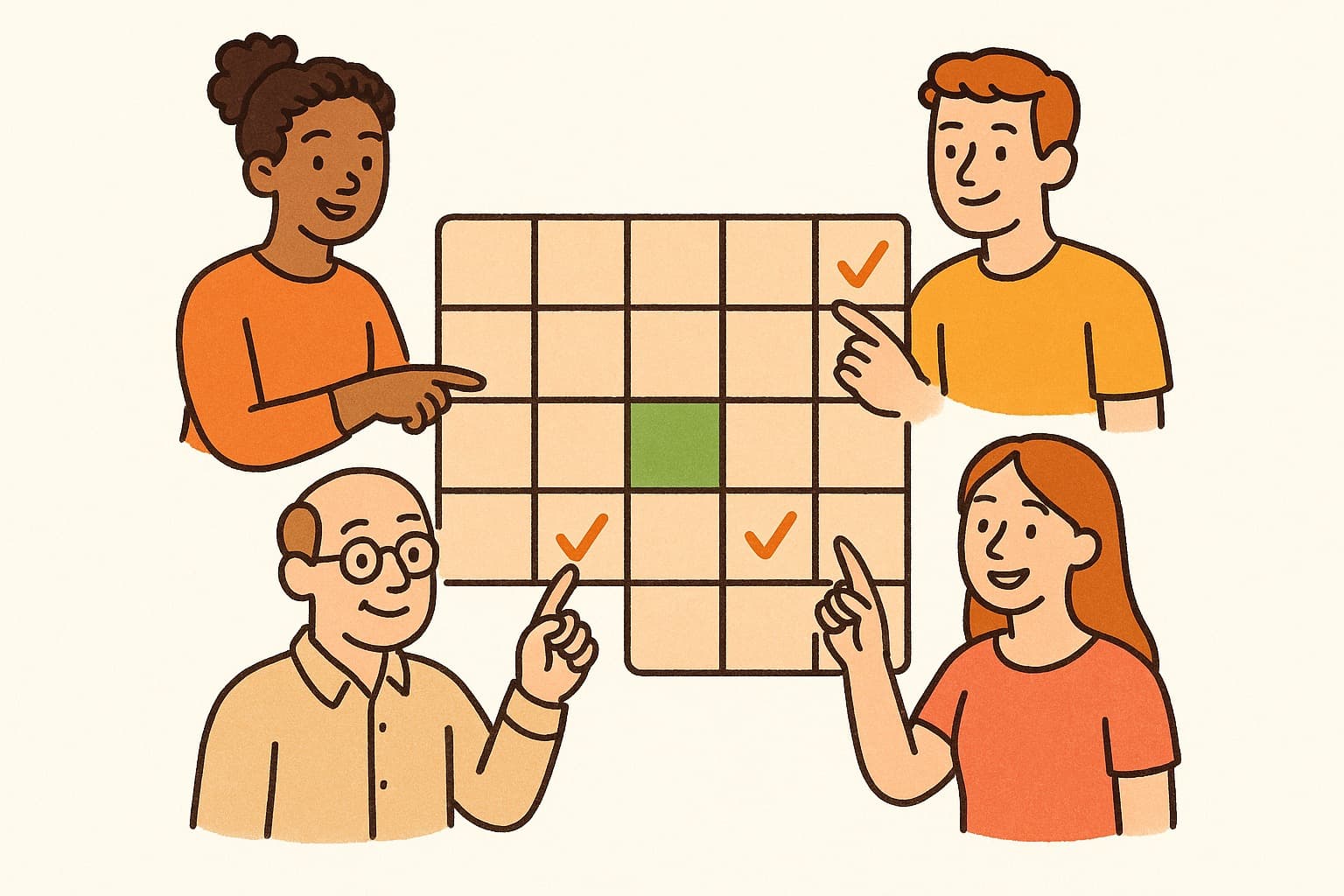
Scheduling is especially painful for small teams. You're too big for ad-hoc coordination but too small to justify expensive scheduling software. You need the Goldilocks solution: powerful enough to handle your needs, simple enough to use without training, and free enough to fit your budget.
The Small Team Scheduling Challenge
Small teams face unique scheduling pressures:
No dedicated admin. In a five-person team, everyone contributes. Nobody has time to become the "scheduling person" who manages complex tools.
Wearing multiple hats. Your designer also handles client calls. Your developer joins sales meetings. Scheduling needs to flex across roles.
Remote-friendly. Small teams often work distributed. Your scheduling tool needs to handle time zones gracefully.
Client-facing. You need to schedule with external stakeholders who won't adopt your internal tools.
Budget-conscious. Every dollar matters. Paid scheduling tools often cost $10-15 per user per month—real money for a bootstrapped team.
What Small Teams Need in a Scheduling Tool
The ideal small team scheduler has these characteristics:
Instant adoption. Team members should use it successfully without training or documentation.
No per-user fees. Charging per user penalizes small teams for growing. Look for tools with generous free tiers.
External-friendly. Clients and partners should be able to participate without signing up for anything.
Mobile-optimized. Your team checks availability on phones between meetings. The tool needs to work perfectly on mobile.
Reliable. Small teams can't afford downtime or bugs. You need something that just works.
WhenWorks: Built for Teams Like Yours
WhenWorks hits all these marks. It's free for typical small team usage, requires zero training, and works flawlessly on mobile.
Create a poll in under a minute, share it in Slack, and watch your team respond. No accounts required for anyone. No per-user fees eating your budget. No complex features you'll never use.
Small teams at startups, agencies, and consultancies use WhenWorks to coordinate standups, client calls, and team events without the overhead of enterprise tools.
Get your small team scheduled without the enterprise overhead. Try WhenWorks free at whenworks.cc.
Before you act on this advice
- Look for the smallest process that still gets you a confident answer.
- Keep the group experience simple for first-time participants.
- Document the final outcome so nobody has to guess what was decided.
Common traps to avoid
- Simple systems work best when the organizer explains them clearly from the start.
- Over-customizing the process often adds work without improving outcomes.
- Make one decision well before trying to optimize every part of the workflow.
Best next step
Use the simplest version of this advice on your next real coordination task and then improve it based on what actually happens.
Why you can trust this page
Our editorial approach centers on real scheduling decisions, not generic productivity filler.
Public guides on WhenWorks are tied to the product and support context behind the site. We explain our editorial process publicly so readers can judge whether the page feels complete and trustworthy for their use case.
Want the policy context behind this article? Review our editorial standards or contact the team.
Questions people usually ask
What is the best next step after reading this article?
Apply the advice to one real scheduling scenario soon while the ideas are still concrete. Practical use is the fastest way to see what actually fits your workflow.
How should I adapt this guidance to my situation?
Keep the principles and simplify the process around your real constraints, such as group size, urgency, and whether you control the calendar or need consensus.