Who this guide is for
Readers trying to make group scheduling simpler and more reliable.
Use this guide when
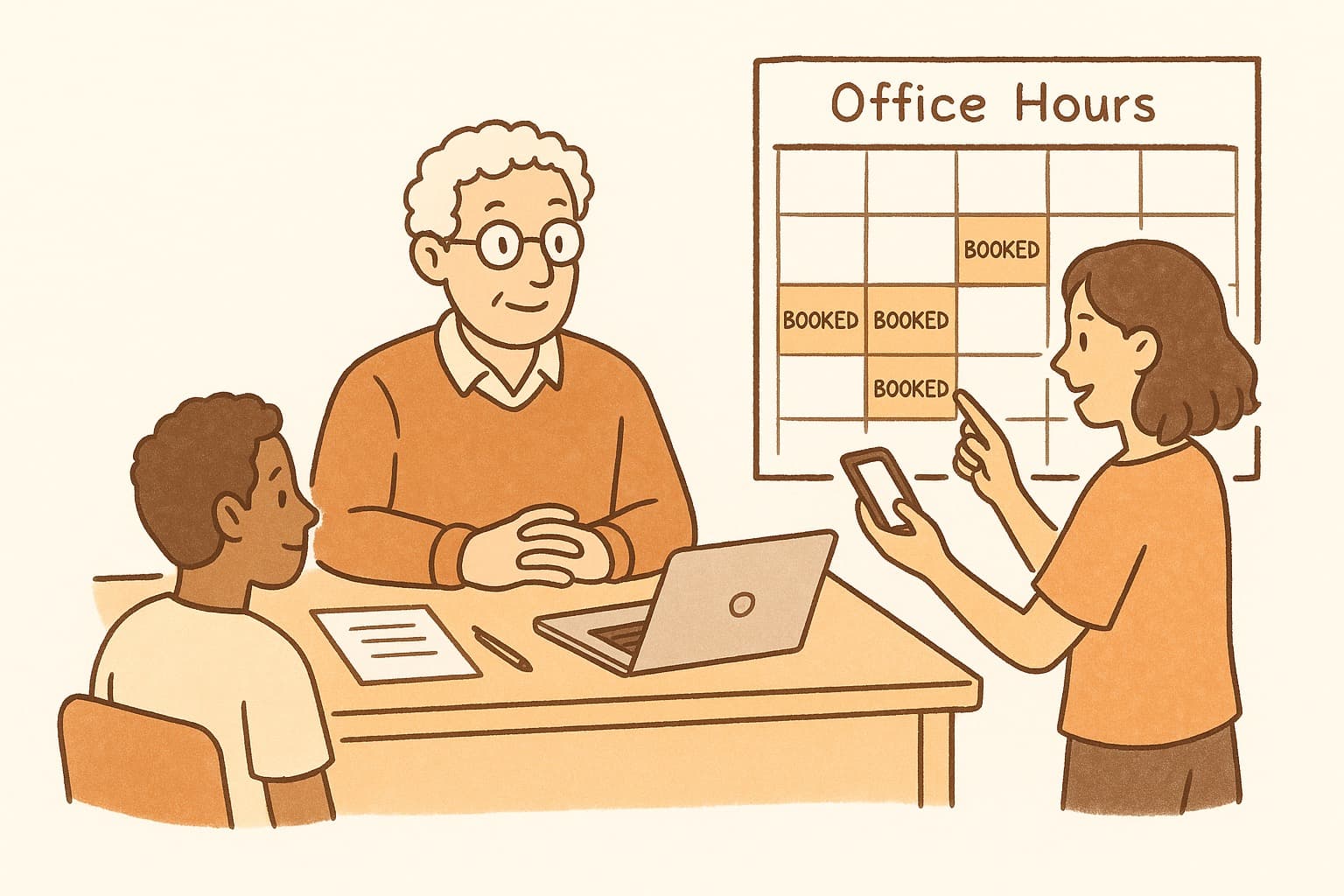
Professors: streamline your office hours with the right scheduling approach. Learn how to schedule office hours with students without the email chaos.
Office hours are supposed to be about mentoring, not logistics. Yet many professors find themselves spending more time coordinating appointments than actually meeting with students. The traditional approach—"Email me to set up a time"—creates a bottleneck that discourages students from seeking help.
The result? Empty office hours and students who fall through the cracks because scheduling felt like too much work.
There's a better way. Forward-thinking professors are adopting modern scheduling approaches that remove friction and make office hours actually accessible.
The Problem with Traditional Office Hour Scheduling
The "email me" approach creates multiple failure points:
Timing delays. Students email after hours. You respond the next day. By then, the student has moved on or found another solution.
Back-and-forth burden. Finding a mutual time often takes 3-4 emails per student. Multiply by thirty students and you've lost hours of your week.
Psychological barriers. Some students hesitate to "bother" their professor with scheduling emails. The friction itself becomes a barrier to seeking help.
No-shows. Without confirmation systems, students forget appointments or double-book themselves.
Modern Office Hour Scheduling Strategies
The most effective professors use one of these approaches:
Open drop-in hours. Block 2-3 hours where any student can show up, no appointment needed. Works best for large classes where individual appointments would be unsustainable.
Sign-up sheets. Physical or digital sheets where students claim time slots. Reduces back-and-forth but requires manual management.
Scheduling polls. Create a poll with your available windows and let students select what works. Everyone sees the options, and you get a clear view of demand.
Hybrid approaches. Combine drop-in hours for quick questions with appointment slots for in-depth discussions.
Best Practices for Office Hour Scheduling
Regardless of method, follow these principles:
Offer multiple time windows. Students have classes, jobs, and commitments. One slot per week excludes working students entirely.
Communicate clearly. Put scheduling information in your syllabus, LMS, and first lecture. Don't make students hunt for it.
Set expectations. Specify what office hours are for—quick questions, deep discussions, review sessions? Clarify so students come prepared.
Send reminders. A brief email or LMS notification the day before reduces no-shows significantly.
WhenWorks: Office Hours Made Simple
WhenWorks is ideal for office hours scheduling. Create a poll with your available times, share it once (syllabus, LMS, email), and let students self-select. No account required for them to participate.
You see real-time demand and can adjust your availability accordingly. The visual grid makes it easy to spot patterns—maybe Tuesdays are always full while Thursdays sit empty.
Make office hours accessible, not administrative. Try WhenWorks free at whenworks.cc.
Before you act on this advice
- Look for the smallest process that still gets you a confident answer.
- Keep the group experience simple for first-time participants.
- Document the final outcome so nobody has to guess what was decided.
Common traps to avoid
- Simple systems work best when the organizer explains them clearly from the start.
- Over-customizing the process often adds work without improving outcomes.
- Make one decision well before trying to optimize every part of the workflow.
Best next step
Use the simplest version of this advice on your next real coordination task and then improve it based on what actually happens.
Why you can trust this page
Our editorial approach centers on real scheduling decisions, not generic productivity filler.
Public guides on WhenWorks are tied to the product and support context behind the site. We explain our editorial process publicly so readers can judge whether the page feels complete and trustworthy for their use case.
Want the policy context behind this article? Review our editorial standards or contact the team.
Questions people usually ask
What is the best next step after reading this article?
Apply the advice to one real scheduling scenario soon while the ideas are still concrete. Practical use is the fastest way to see what actually fits your workflow.
How should I adapt this guidance to my situation?
Keep the principles and simplify the process around your real constraints, such as group size, urgency, and whether you control the calendar or need consensus.