Who this guide is for
People comparing scheduling tools for a specific workflow, team, or event format.
Use this guide when
Tired of StrawPoll's limitations for meeting scheduling? Discover the best alternatives that actually make group scheduling painless.
If you've ever tried to schedule a meeting using StrawPoll, you know the frustration. The polls work fine for simple "yes/no" questions or quick votes, but when it comes to finding a time that works for everyone, StrawPoll falls short. That's why teams are increasingly searching for a StrawPoll alternative that actually handles meeting scheduling.
Let's look at what makes StrawPoll limited for meetings and explore better options.
The Problem with StrawPoll for Meeting Scheduling
StrawPoll was designed for opinions and quick polls — not for time-based scheduling. When you try to use it for meetings, you run into several issues:
- •No time slot integration — You manually create each time option, which becomes tedious for multi-day polls
- •No calendar awareness — Participants have no way to see how each time option fits with their existing commitments
- •Limited response options — You get yes/no/maybe, but no way to indicate "this works but I'd prefer something else"
- •No automatic timezone handling — Cross-team scheduling becomes a nightmare of mental math
For one-off simple votes, StrawPoll gets the job done. But for recurring team meetings, client calls, or any scheduling that happens more than occasionally, you need something built for the job.
What to Look for in a StrawPoll Alternative
The best meeting scheduling tools solve these problems:
- •Time slot automation — Enter available times once, not manually for each option
- •Calendar visibility — Participants see conflicts before committing
- •Timezone intelligence — Automatic conversion so everyone sees times in their local zone
- •Flexible responses — "Best" vs "Okay" vs "Can't make it" helps you pick truly optimal times
- •No account required for voters — The best tools let participants respond without signing up
WhenWorks: A StrawPoll Alternative Built for Meetings
WhenWorks was specifically designed to replace awkward polling methods like StrawPoll for meeting scheduling. Here's what makes it different:
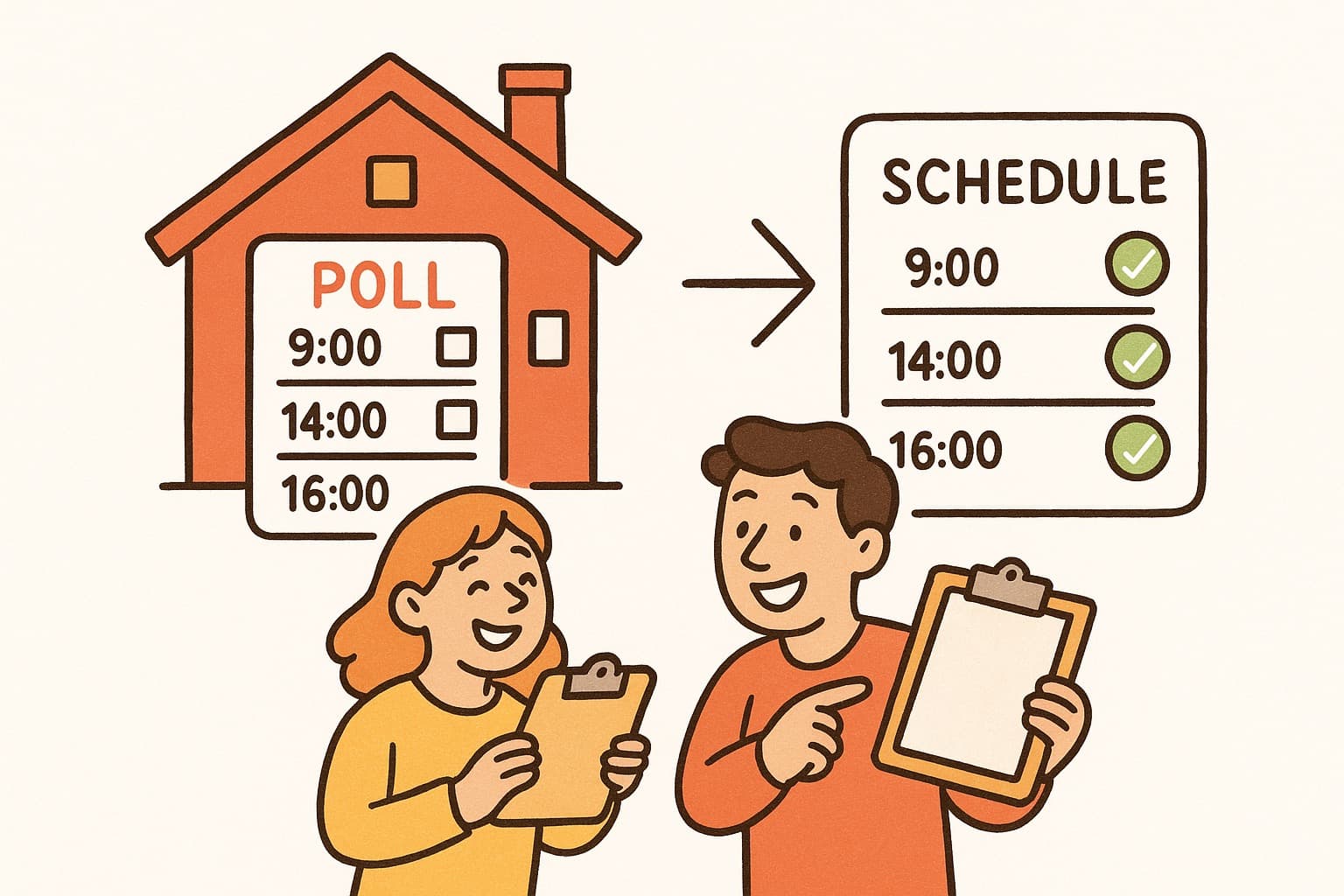
- •Create polls in seconds — Add the meeting details, propose times, and share one voting link
- •Smart timezone handling — Each participant sees times in their local timezone automatically
- •Clear availability results — See which options have the strongest response without decoding a generic poll
- •No signup for voters — Share a link, and participants vote without creating an account
- •Durations that matter — Specify meeting length, and WhenWorks ensures the time slots actually work
Teams that switch from StrawPoll to WhenWorks typically cut their scheduling time by 90% and get better attendance because people are actually signing up for times that work for them.
Other StrawPoll Alternatives Worth Considering
- •Doodle — The old standard, though increasingly riddled with ads and limited in free tier
- •Calendly — Great for one-on-ones but adds friction for group polls
- •When2Meet — Popular but dated interface and no mobile app
- •YouCanBookMe — Calendar-based but requires more setup
Each has trade-offs, but for teams that want StrawPoll-like simplicity with actual meeting scheduling power, WhenWorks hits the sweet spot.
Making the Switch
If you're ready to leave StrawPoll behind for meeting scheduling, here's how to start:
- •Try WhenWorks free at whenworks.cc — no credit card required
- •Create your first group poll and share the link
- •Compare how quickly you get responses versus StrawPoll
The right tool makes scheduling feel effortless instead of like a second job. Your team will thank you for making meetings easier to schedule — and you'll get that time back in your day.
Ready to try a better way? Switch from StrawPoll to WhenWorks and see what meeting scheduling should feel like.
Before you act on this advice
- Check the real free-tier limits, not just the headline plan name.
- Test the responder experience on mobile before rolling a tool out to a group.
- Verify whether participants need accounts, calendar access, or extra setup.
Common traps to avoid
- Do not judge tools by pricing alone without testing the actual participant experience.
- Avoid comparing features outside the workflow you are genuinely trying to improve.
- One strong live test reveals more than a long list of marketing claims.
Best next step
Choose the two most realistic options for your workflow and test them with a live scheduling task before deciding.
Why you can trust this page
We review comparison topics through the lens of real scheduling workflows, free-tier friction, participant experience, and setup requirements that affect whether a group can actually use the tool successfully.
Public guides on WhenWorks are tied to the product and support context behind the site. We explain our editorial process publicly so readers can judge whether the page feels complete and trustworthy for their use case.
Want the policy context behind this article? Review our editorial standards or contact the team.
Questions people usually ask
What should I test first in a tool comparison?
Test the real workflow that matters most to you, especially how easy it is for first-time participants to respond and how much follow-up the organizer still has to do.
Can one tool fit every scheduling use case?
Sometimes, but not always. Group coordination, appointment booking, and internal planning often benefit from different design choices, so the best fit depends on the job.