Who this guide is for
People comparing scheduling tools for a specific workflow, team, or event format.
Use this guide when
Looking for a free Doodle alternative? WhenWorks offers free scheduling polls with no vote signup, clearer limits, and better mobile UX.
One strong free Doodle alternative is WhenWorks. It offers 10 free polls per month and does not require participants to create an account to vote — two things many frustrated Doodle users care about most.
What Happened to Doodle?
Doodle used to be the go-to tool for scheduling polls. It was simple, free, and just worked. Then things changed:
- •More participant interruptions — Free Doodle polls can feel crowded around the voting step. If you are sending a poll to clients or colleagues, that extra friction can make the process feel less professional.
- •Free tier gutted — Doodle's free plan now limits you to just 1 active poll at a time. Need a second poll? Pay up or delete the first one.
- •Account required to vote — Participants now need a Doodle account to respond to polls. This is the biggest friction point and kills response rates.
- •Price increase — Doodle Pro costs $14.95/month (billed annually), up from what used to be a much cheaper tool.
These changes pushed a lot of users to look for a better free Doodle alternative. And the market responded.
WhenWorks: The Free Doodle Alternative Without the Downsides
WhenWorks was built specifically to solve the problems Doodle introduced. Here is what you get:
- •Cleaner participant flow — Your polls stay focused on voting instead of pushing participants through sign-up walls.
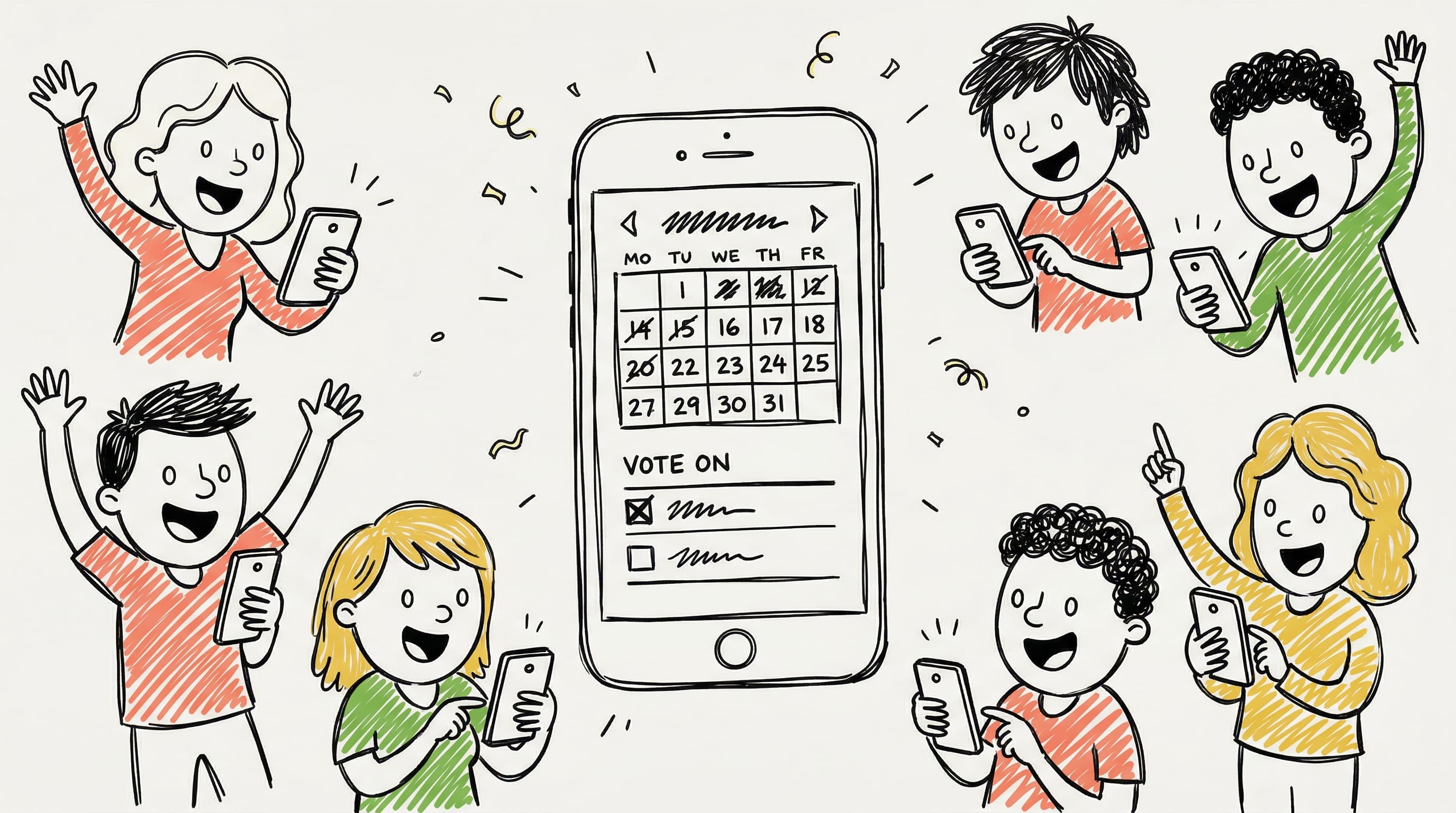
- •No signup to vote — Participants click the link, pick their times, and submit. That is it. No account creation, no email verification, no friction.
- •10 free polls per month — Enough for most people. Not an artificial limit of 1.
- •Mobile-first design — Built for how people actually use the internet in 2026: on their phones.
Feature Comparison: WhenWorks vs Doodle
| Feature | WhenWorks (Free) | Doodle (Free) | Doodle (Pro $14.95/mo) | |---------|------------------|---------------|------------------------| | Active polls | 10/month | 1 at a time | Unlimited | | Participant flow | Focused | More interrupted | Focused | | Signup to vote | Not required | Required | Required | | Mobile UX | Excellent | Decent | Decent | | Custom branding | Pro only ($6/mo) | No | Yes | | Calendar export | Yes (ICS) | Yes | Yes | | Time zones | Automatic | Manual | Automatic |
Why a Focused Participant Experience Matters
When you send a scheduling poll to 10 colleagues, a client, or your professor, the poll represents you. A crowded or confusing response page sends a subtle message: "This may take longer than expected."
A free Doodle alternative like WhenWorks keeps the participant experience focused on the scheduling decision. This matters especially in business contexts, academic settings, and client-facing communication.
Why "No Signup to Vote" Is the Real Differentiator
Here is a scenario every Doodle user has experienced:
- •You create a poll and send it to 8 people
- •3 people respond immediately
- •2 people say "it's asking me to create an account, I'll do it later"
- •3 people never respond at all
- •You end up scheduling via email anyway
The signup wall is where scheduling polls go to die. Every extra step between "click link" and "submit availability" loses you participants. WhenWorks removes that wall entirely. Participants vote without creating an account, without downloading an app, without verifying an email address.
The result: dramatically higher response rates and polls that actually reach a conclusion.
Who Is Switching From Doodle?
Based on search trends, here is who is actively looking for a better free Doodle alternative:
- •Small teams and startups — No budget for Doodle Pro, but need professional-looking polls
- •Professors and teachers — Students will not create Doodle accounts (see our professor scheduling guide)
- •Freelancers and consultants — Client-facing polls need to look clean
- •Event organizers — Coordinating 20+ people means zero friction is essential
- •Nonprofit and volunteer groups — Tight budgets and non-technical participants
How to Switch From Doodle to WhenWorks
- •Go to whenworks.cc
- •Create a free account (takes 30 seconds)
- •Create your first poll — add dates/times and share the link
- •That is it. No import needed. No learning curve.
Your participants will not know the difference, except that the experience is cleaner, faster, and easier to respond to.
Frequently Asked Questions
Is there a Doodle alternative that is completely free?
Yes. WhenWorks offers 10 free polls per month and does not require participants to sign up. The free tier is meant to be usable, not a bait-and-switch trial.
Can people vote on a WhenWorks poll without signing up?
Yes. Only the poll creator needs a WhenWorks account. Participants vote by clicking the shared link and selecting their available times — no account, no app download, no email verification required.
How does WhenWorks make money?
WhenWorks offers a Pro plan at $6/month for power users who need unlimited polls, reminders, calendar integrations, and added workflow features. The free tier is sustainable because some teams eventually upgrade when they schedule more often.
Can I use WhenWorks for recurring meetings?
Yes. You can create polls for any scheduling scenario — one-time meetings, recurring team check-ins, weekly office hours, or event planning. Each poll is independent, so you can run multiple simultaneously.
Is WhenWorks better than Doodle for large groups?
For large groups, WhenWorks has a significant advantage: no signup requirement for voters. When you are coordinating 15, 20, or 50+ people, every bit of friction matters. Doodle's mandatory account creation dramatically reduces response rates in large groups.
Done with Doodle's friction? Try WhenWorks free — no signup to vote, clearer limits, and a simpler workflow.
Before you act on this advice
- Check the real free-tier limits, not just the headline plan name.
- Test the responder experience on mobile before rolling a tool out to a group.
- Verify whether participants need accounts, calendar access, or extra setup.
Common traps to avoid
- Do not judge tools by pricing alone without testing the actual participant experience.
- Avoid comparing features outside the workflow you are genuinely trying to improve.
- One strong live test reveals more than a long list of marketing claims.
Best next step
Choose the two most realistic options for your workflow and test them with a live scheduling task before deciding.
Why you can trust this page
We review comparison topics through the lens of real scheduling workflows, free-tier friction, participant experience, and setup requirements that affect whether a group can actually use the tool successfully.
Public guides on WhenWorks are tied to the product and support context behind the site. We explain our editorial process publicly so readers can judge whether the page feels complete and trustworthy for their use case.
Want the policy context behind this article? Review our editorial standards or contact the team.
Questions people usually ask
What should I test first in a tool comparison?
Test the real workflow that matters most to you, especially how easy it is for first-time participants to respond and how much follow-up the organizer still has to do.
Can one tool fit every scheduling use case?
Sometimes, but not always. Group coordination, appointment booking, and internal planning often benefit from different design choices, so the best fit depends on the job.