Who this guide is for
Organizers who want a practical step-by-step way to get a group to one decision quickly.
Use this guide when
Create a free group scheduling poll in seconds. No sign-up required. Find a time that works for everyone without endless email chains or group chat confusion.
The Problem With Scheduling Groups
You know the drill. Someone drops a message in the group chat: "When should we meet?" What follows is a 47-message thread of conflicting availability, forgotten replies, and someone who doesn't respond for three days.
Whether you're organizing a team meeting, planning a birthday dinner, or coordinating a study group, finding a time that works for everyone is one of those small tasks that somehow eats hours of your life.
Email chains are worse. Reply-all threads spiral into chaos. People respond to outdated messages. Someone suggests a time that was already rejected. By the time you settle on a date, half the group has lost interest.
There's a better way: a free group scheduling poll.
What Is a Group Scheduling Poll?
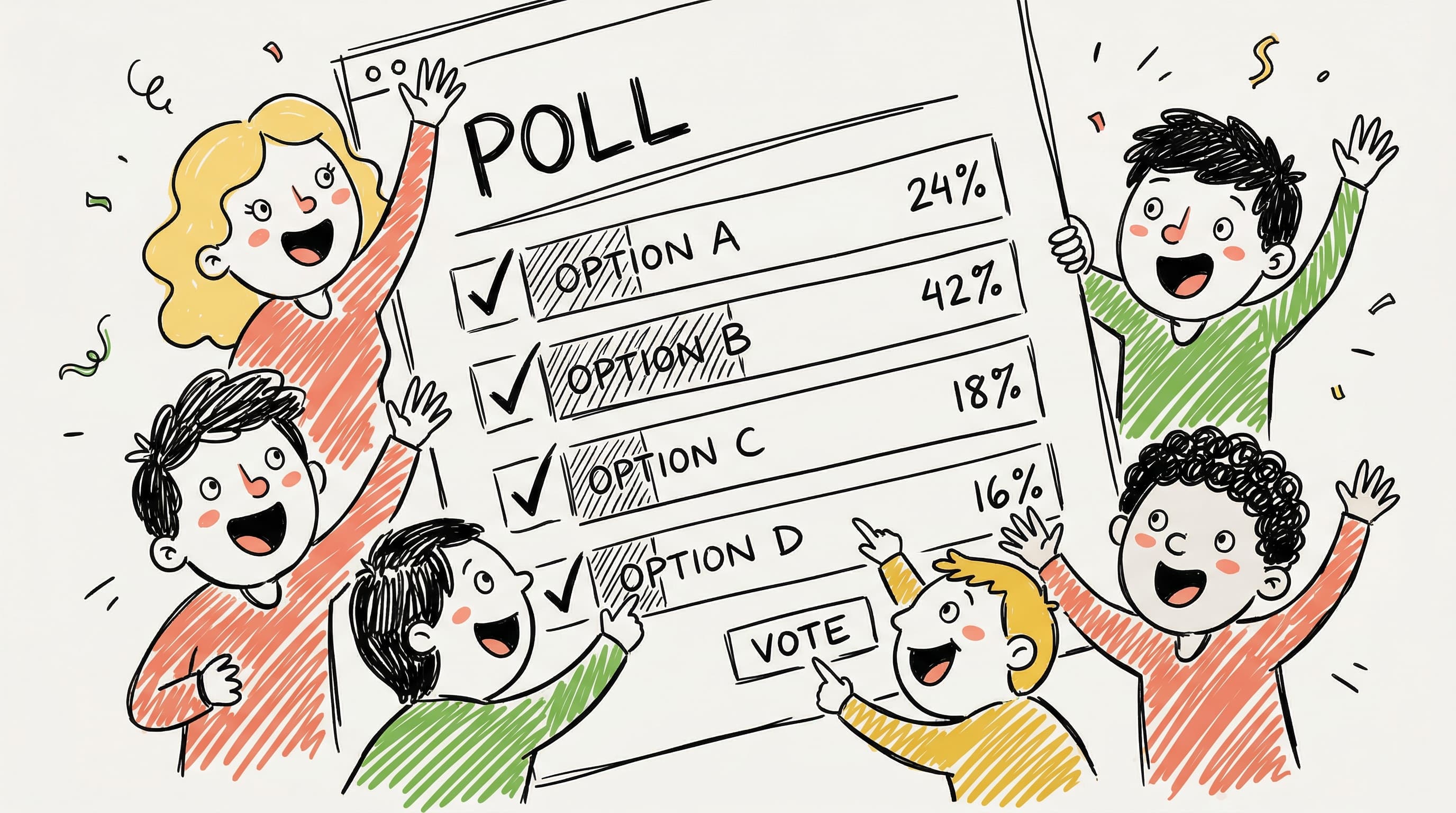
A group scheduling poll is exactly what it sounds like — you propose a few dates or times, share a link, and everyone marks when they're available. The tool shows you which option has the most overlap, and you pick a winner.
No back-and-forth. No confusion. No "wait, what time zone are you in?"
The best part? Modern polling tools like WhenWorks are free to start, include 10 polls per month on the free tier, require no sign-up for participants, and take about 60 seconds to set up.
How to Create a Free Group Scheduling Poll
Step 1: Pick Your Dates and Times
Before creating your poll, think about realistic options. Offer 4-6 time slots across different days. Too few and you might not find overlap. Too many and people get overwhelmed.
Pro tip: Spread options across at least 2-3 different days and include a mix of morning and afternoon slots if you can.
Step 2: Create the Poll
Head to WhenWorks and:
- •Give your poll a clear name ("Team Lunch — March" beats "Meeting")
- •Add your proposed dates and times
- •Include a brief description so people know what they're committing to
- •Hit create — that's it
No account required. No credit card. No trial that expires in 7 days.
Step 3: Share the Link
Copy your unique poll link and send it wherever your group lives:
- •Group chat (Slack, Teams, WhatsApp, Discord)
- •Text message
- •Carrier pigeon (okay, maybe not this one)
Everyone clicks the same link and marks their availability.
Step 4: Watch Responses Roll In
As people respond, you'll see availability stack up in real time. WhenWorks highlights the best times automatically, so you don't need to squint at a spreadsheet.
Step 5: Pick the Winner and Go
Once enough people have responded, choose the time that works best and let everyone know. Participants can export the final time to their calendars with one click.
Total time investment: about 2 minutes for you, 30 seconds for each participant.
Why Free Scheduling Polls Beat the Alternatives
vs. Group Chat Scheduling
Group chats are great for banter, terrible for coordination. Messages get buried. People respond at different times. Someone inevitably says "I'm flexible!" without actually checking their calendar. A poll gives structure to the chaos.
vs. Email Chains
Every reply-all multiplies the confusion. With 6 people and 4 proposed times, you're looking at potentially dozens of emails before reaching a decision. A poll collapses that into one shared view.
vs. "Just Pick a Time" Approach
Sure, the organizer could just pick a time and announce it. But you'll end up with half the group unable to attend, and you're back to square one. Polling up front saves rescheduling later.
vs. Paid Scheduling Tools
Many scheduling tools lock group polling behind paid plans. Others clutter the participant experience. WhenWorks gives you a free tier with up to 10 polls per month and no sign-up requirements for voters. Your participants see a clean, fast interface rather than an upsell-heavy flow.
When to Use a Group Scheduling Poll
Group scheduling polls work for practically any situation where more than two people need to agree on a time:
- •Work meetings — Cross-team syncs, project kickoffs, all-hands
- •Social events — Dinners, game nights, reunions, trips
- •Academic groups — Study sessions, group projects, club meetings
- •Sports teams — Practices, pickup games, team events
- •Volunteer work — Committee meetings, event planning, shifts
- •Interviews — Panel interviews with multiple interviewers
If you're coordinating 3 or more people, a poll is almost always faster than the alternative.
Tips for Higher Response Rates
Creating a poll is easy. Getting people to actually respond? That takes a little strategy.
Set a Clear Deadline
"Please respond by Friday at 5pm so we can lock this in." Deadlines create urgency. Without one, your poll sits unanswered for weeks.
Send One Reminder
If response rates are low after 2-3 days, send a single friendly nudge. One reminder, not five. Nobody likes being nagged.
Keep Options Reasonable
Don't list 15 possible times. Curate your options to 4-6 realistic slots. Decision fatigue is real.
Explain What the Meeting Is For
People prioritize better when they know what they're committing to. "Q1 planning session (1 hour)" is more compelling than "meeting."
Make the Link Obvious
Don't bury the poll link in a wall of text. Put it front and center with a clear call to action.
What to Look for in a Free Scheduling Poll Tool
Not all free tools are created equal. Here's what matters:
| Feature | Why It Matters | |---------|---------------| | No sign-up for participants | Removes friction. More responses. | | Focused voting flow | Professional experience for everyone. | | Useful free tier | 10 polls per month for casual use, with unlimited participants. | | Time zone support | Essential for distributed groups. | | Calendar export | Makes the final time actionable. | | Mobile-friendly | People respond from their phones. |
WhenWorks checks every box. It's built specifically for this use case — fast, free group scheduling without the friction.
Stop Wasting Time on Scheduling
The average group meeting takes 3-5 days to schedule via email, involving 10-20+ messages. A scheduling poll cuts that to 1-2 days with 1-2 messages.
That's hours of your life back, every single month.
Next time someone asks "when should we meet?" — don't start a reply-all chain. Don't drop a message in the group chat and hope for the best. Create a free poll, share the link, and move on with your day.
Before you act on this advice
- Define the decision deadline before you send the poll.
- Offer enough options to find overlap without overwhelming respondents.
- Plan the follow-up step: reminder, final decision, and calendar invite.
Common traps to avoid
- Skipping the response deadline often turns a clear guide into a drifting process.
- Too much flexibility can create more confusion rather than more attendance.
- Always plan how you will finalize the decision before you ask for input.
Best next step
Apply the guide to one real scheduling decision this week so you can refine the process from experience instead of theory.
Why you can trust this page
Guide articles are written to help someone move from “we need a time” to a concrete decision, using the same poll, reminder, and follow-up patterns that the WhenWorks product is built around.
Public guides on WhenWorks are tied to the product and support context behind the site. We explain our editorial process publicly so readers can judge whether the page feels complete and trustworthy for their use case.
Want the policy context behind this article? Review our editorial standards or contact the team.
Questions people usually ask
How do I know if my process is working?
You should see faster responses, less back-and-forth, and clearer final decisions. If the process still depends on repeated manual reminders, it likely needs refinement.
What is the most common guide-related mistake?
People follow the setup steps but forget to plan the close: who decides, when the response window ends, and how the final answer gets communicated.
