Who this guide is for
Readers trying to make group scheduling simpler and more reliable.
Use this guide when
The way teams meet has fundamentally changed. In 2026, the old email thread—"Does Tuesday work for everyone?" followed by seventeen reply-alls—isn't j...
The way teams meet has fundamentally changed. In 2026, the old email thread—"Does Tuesday work for everyone?" followed by seventeen reply-alls—isn't just annoying. It's a productivity killer. Modern teams need a team scheduling tool that actually works, and the difference is night and day.
The Old Way: Email Threads and Calendar Tetris
Remember when scheduling a team meeting meant CC'ing everyone, hoping someone's calendar had a gap, and then sending a follow-up when someone inevitably replied "sorry, can't make it"?
You're not alone. The average professional spends 4.5 hours per week just managing meeting logistics. That's nearly a full work day wasted on back-and-forth emails that could be spent on actual work.
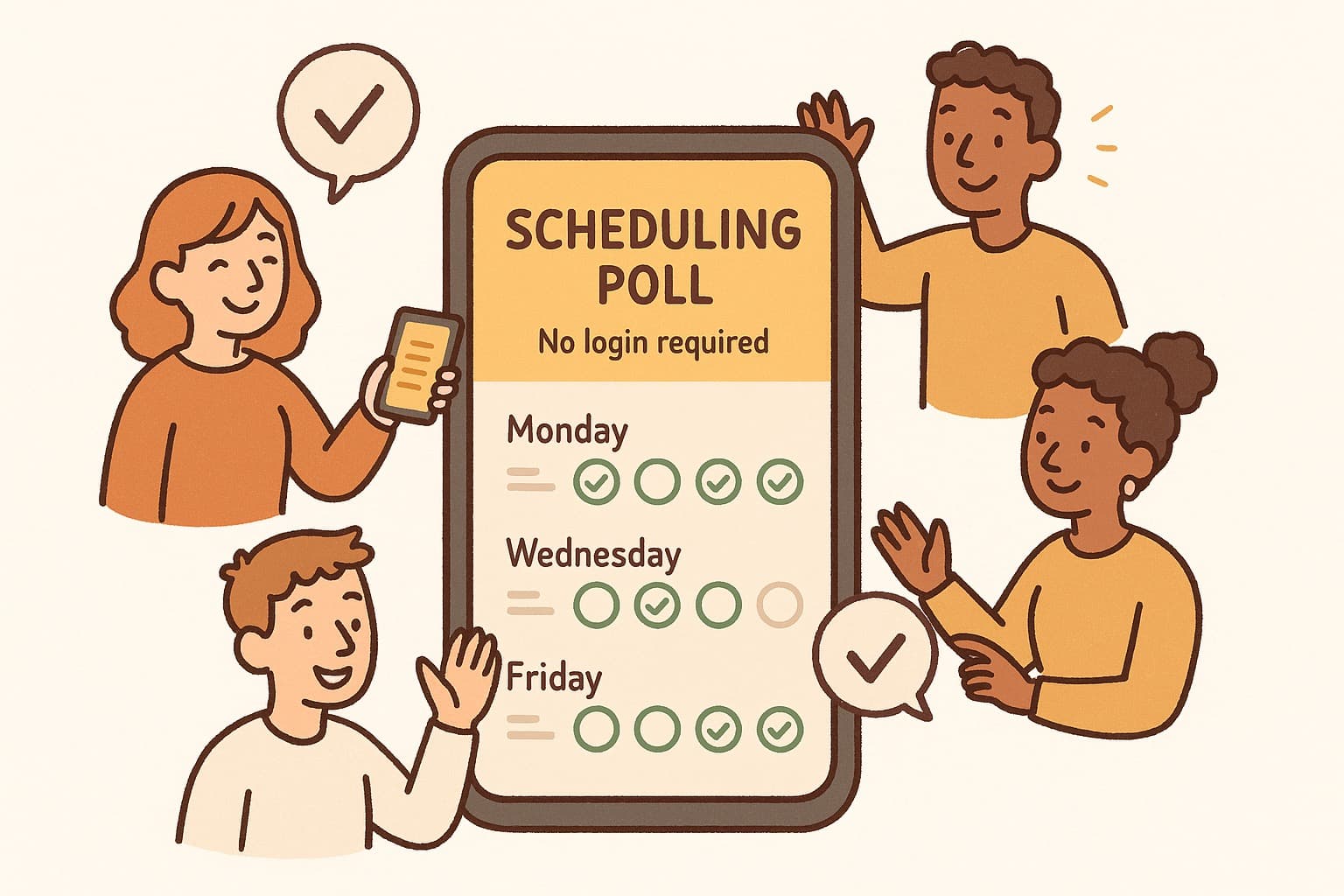
This is where a proper team scheduling tool changes everything. Instead of playing calendar tetris, teams can create a simple poll, share a link, and let everyone vote on what works. The best part? No sign-up required for participants.
What Makes a Team Scheduling Tool Actually Work
Not all scheduling tools are created equal. Here's what modern teams actually need:
Speed matters. If your scheduling tool takes more than 30 seconds to set up, it's adding friction instead of removing it. The best tools let you create a poll, copy the link, and send it in under a minute.
No account barriers. Here's a secret: the best scheduling experience is one where participants don't need to create an account. When you force sign-ups, you lose responses. A truly frictionless team scheduling tool works for everyone—clients, external partners, anyone with a browser.
Works on mobile. Your team isn't always at a desk. A scheduling tool that falls apart on mobile is useless in 2026. Look for tools with responsive design that work seamlessly on phones and tablets.
Smart integrations. The ideal team scheduling tool plays nice with your existing stack. Calendar sync, Slack integration, automatic calendar invites—the best tools handle the busywork so you don't have to.
WhenWorks: Built for How Teams Actually Work
WhenWorks checks all these boxes and more. It's a team scheduling tool designed around one simple idea: scheduling should take seconds, not days.
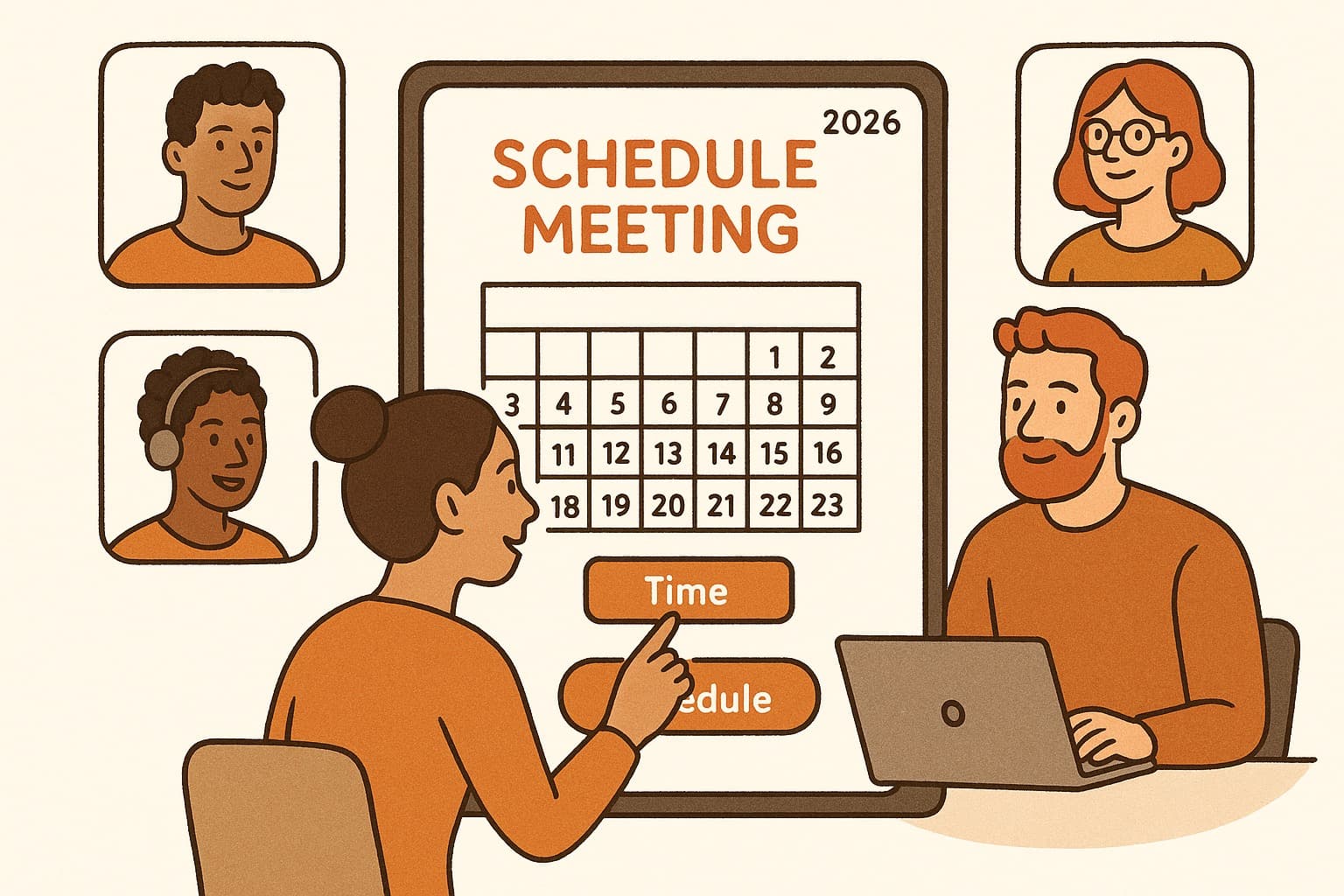
Create a poll in under 30 seconds. Share the link via Slack, email, or Teams. Participants vote without signing up. WhenWorks automatically finds the best time and sends calendar invites to everyone.
The result? Less time scheduling, more time doing. Teams report saving 3-4 hours per week just by switching to a modern scheduling tool.
The Bottom Line
The calendar Tetris era is over. In 2026, teams that use proper scheduling tools have a real competitive advantage—they move faster, waste less time, and actually get work done.
If you're still scheduling meetings the old way, you're not just annoying your team. You're costing your organization hours every single week.
Try WhenWorks free at whenworks.cc — no signup required.
Before you act on this advice
- Look for the smallest process that still gets you a confident answer.
- Keep the group experience simple for first-time participants.
- Document the final outcome so nobody has to guess what was decided.
Common traps to avoid
- Simple systems work best when the organizer explains them clearly from the start.
- Over-customizing the process often adds work without improving outcomes.
- Make one decision well before trying to optimize every part of the workflow.
Best next step
Use the simplest version of this advice on your next real coordination task and then improve it based on what actually happens.
Why you can trust this page
Our editorial approach centers on real scheduling decisions, not generic productivity filler.
Public guides on WhenWorks are tied to the product and support context behind the site. We explain our editorial process publicly so readers can judge whether the page feels complete and trustworthy for their use case.
Want the policy context behind this article? Review our editorial standards or contact the team.
Questions people usually ask
What is the best next step after reading this article?
Apply the advice to one real scheduling scenario soon while the ideas are still concrete. Practical use is the fastest way to see what actually fits your workflow.
How should I adapt this guidance to my situation?
Keep the principles and simplify the process around your real constraints, such as group size, urgency, and whether you control the calendar or need consensus.