Who this guide is for
Readers trying to make group scheduling simpler and more reliable.
Use this guide when
If you use Microsoft Outlook, you've probably noticed it has a scheduling poll feature built right in. It makes sense — you're already in Outlook for...
If you use Microsoft Outlook, you've probably noticed it has a scheduling poll feature built right in. It makes sense — you're already in Outlook for your emails and calendar, so why not handle group scheduling there too?
But does it actually work well? I spent some time testing the Outlook scheduling poll feature to give you an honest take.
What Is Outlook's Scheduling Poll?
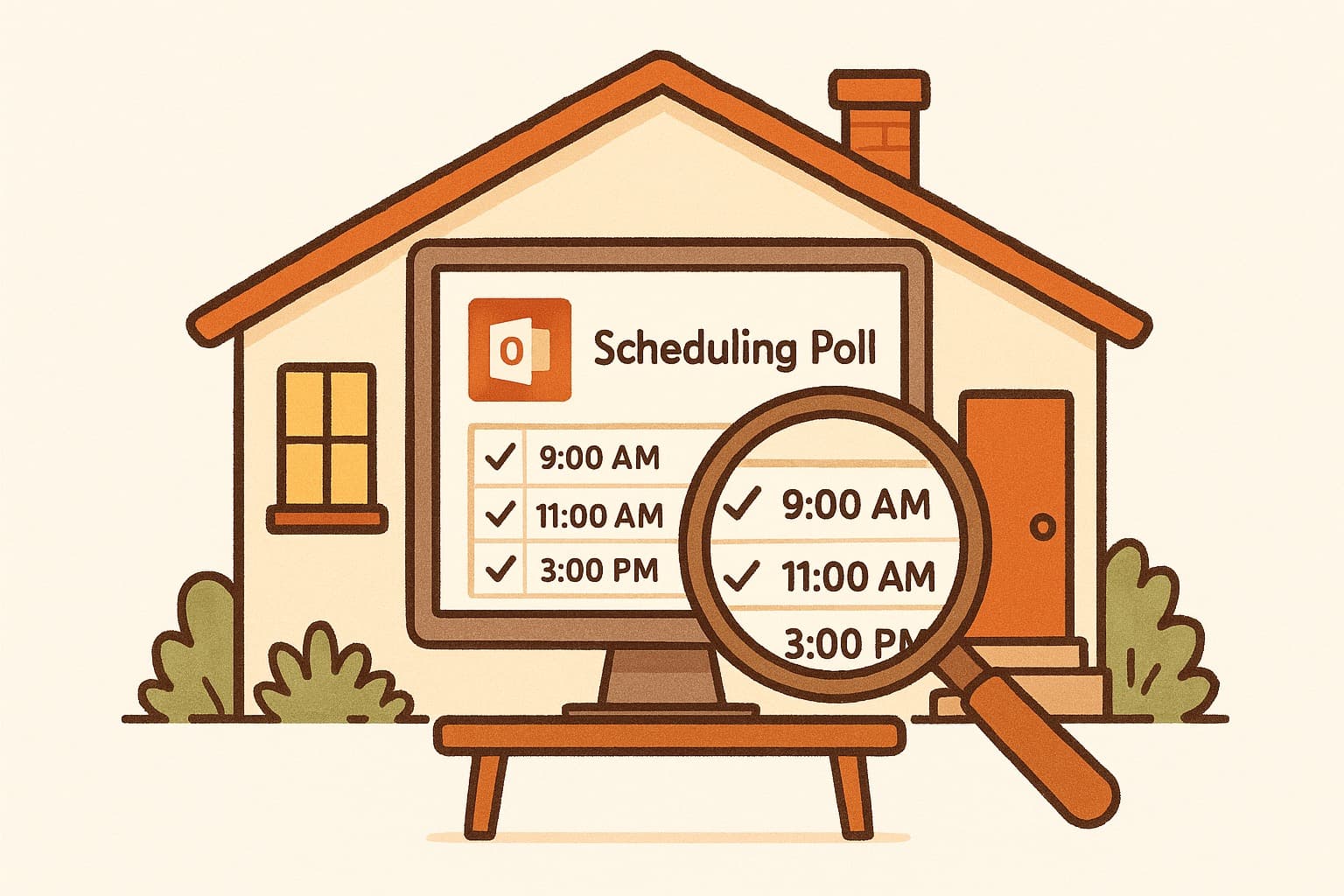
Outlook's polling feature lives inside the calendar app. You can create a poll when scheduling a meeting, invite multiple people, and let them vote on times that work for them. It integrates directly with your Outlook calendar, which sounds convenient.
The feature lets you propose several time options, and attendees can mark which ones work for them. Once everyone responds, you can finalize the meeting time with one click.
The Good
It stays within the Microsoft ecosystem. If your whole team uses Outlook, nobody needs to create an account or download a separate app. Everyone gets an email notification and can vote directly from their inbox or calendar.
It pulls availability automatically. Outlook can check invitees' calendars when you create the poll, so you can see which times actually work. That's genuinely helpful.
No extra logins. Since most office workers already have Microsoft accounts, there's no friction for participants.
The Bad
It's clunky to set up. Creating a poll isn't intuitive. You dig through menus, and the interface feels designed for enterprise IT rather than actual human beings. Doodle and WhenWorks make this take 30 seconds. Outlook makes you work for it.
Limited customization. You can't add context, location options, or notes easily. The poll is barebones.
No mobile app experience. Trying to vote on a poll from the Outlook mobile app is frustrating. The interface doesn't adapt well, and you're stuck pinching and zooming.
Only works if everyone uses Outlook. If even one person on your team uses Google Calendar or Apple Calendar, they get a messy forwarded email instead of a clean voting interface. And they can't vote at all without an Outlook account.
How It Compares to WhenWorks
Here's the thing — Outlook's polling feature works if you're locked into the Microsoft ecosystem and everyone on your team uses it. But for most teams, it adds friction rather than removing it.
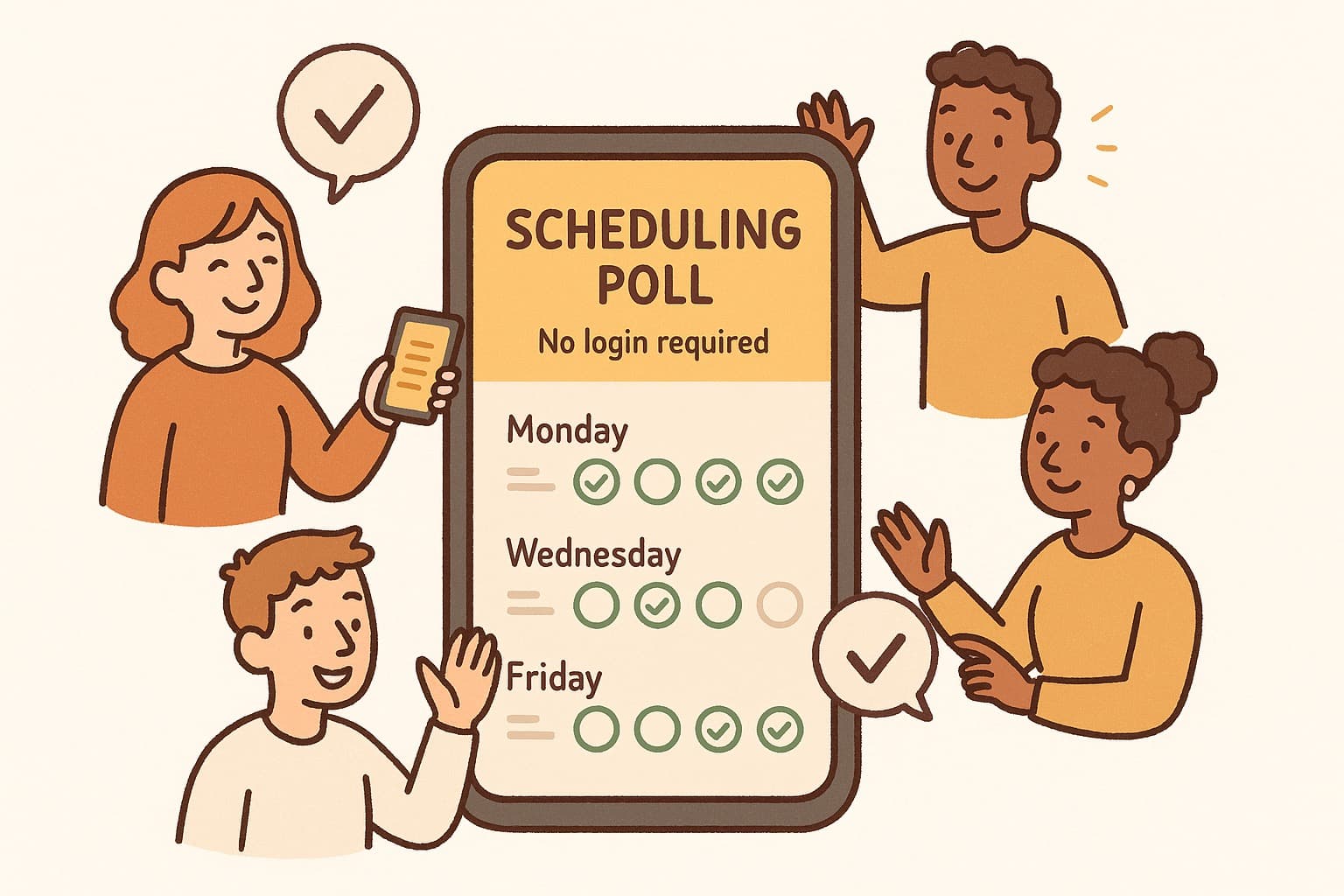
WhenWorks was built specifically to kill scheduling back-and-forth. No account needed. No app to download. You create a poll, share the link, and anyone can vote in seconds — whether they use Outlook, Google, Apple, or nothing at all.
It takes about 30 seconds to create a poll. The interface is clean. And there's no enterprise bloat.
Who Should Use Outlook Polls?
If your company mandates Microsoft 365 and everyone uses Outlook exclusively, the built-in polling feature gets the job done. It's not great, but it's there.
But if you want something faster, simpler, and that works with any calendar, you have better options.
The Bottom Line
Outlook's scheduling poll feature is functional but frustrating. It proves Microsoft understands people need group scheduling tools. But the implementation feels like an afterthought — buried in menus, limited in features, and tied to an ecosystem not everyone uses.
Most teams will be happier with a dedicated tool that actually makes scheduling easy.
Try WhenWorks free at whenworks.cc — no signup required
Before you act on this advice
- Look for the smallest process that still gets you a confident answer.
- Keep the group experience simple for first-time participants.
- Document the final outcome so nobody has to guess what was decided.
Common traps to avoid
- Simple systems work best when the organizer explains them clearly from the start.
- Over-customizing the process often adds work without improving outcomes.
- Make one decision well before trying to optimize every part of the workflow.
Best next step
Use the simplest version of this advice on your next real coordination task and then improve it based on what actually happens.
Why you can trust this page
Our editorial approach centers on real scheduling decisions, not generic productivity filler.
Public guides on WhenWorks are tied to the product and support context behind the site. We explain our editorial process publicly so readers can judge whether the page feels complete and trustworthy for their use case.
Want the policy context behind this article? Review our editorial standards or contact the team.
Questions people usually ask
What is the best next step after reading this article?
Apply the advice to one real scheduling scenario soon while the ideas are still concrete. Practical use is the fastest way to see what actually fits your workflow.
How should I adapt this guidance to my situation?
Keep the principles and simplify the process around your real constraints, such as group size, urgency, and whether you control the calendar or need consensus.