Who this guide is for
Readers trying to make group scheduling simpler and more reliable.
Use this guide when
Stop wasting office hours on empty rooms or turned away students. Learn how professors use free scheduling polls to let students book time slots without creating accounts.
Professor Office Hours Scheduler With No Student Login Required
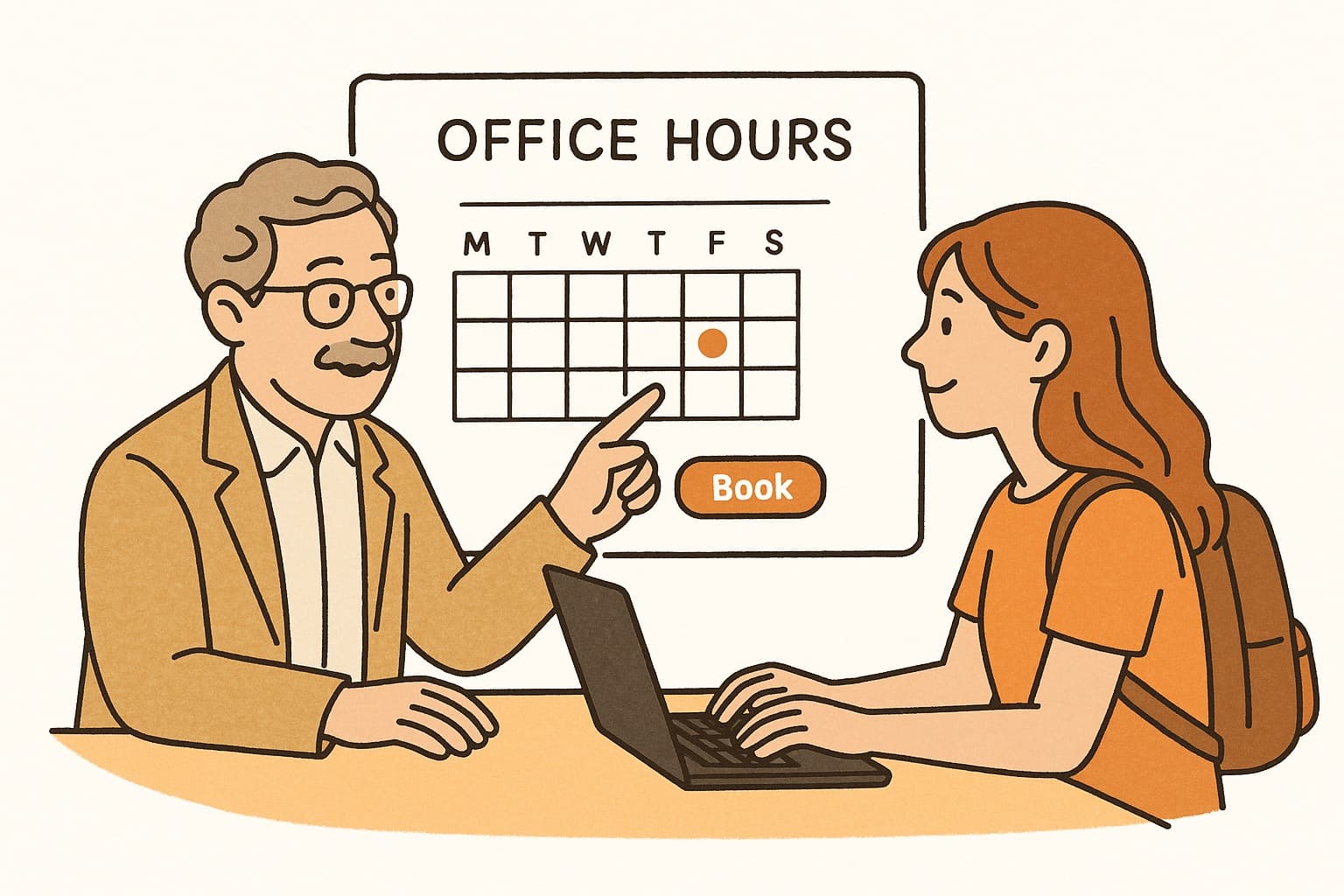
Every professor knows the frustration: you block two hours for office hours, and maybe three students show up. Or worse—you're flooded with emails at 11pm asking "Can I meet tomorrow?" and you're already booked. Traditional office hours scheduling is broken. Students don't want to create accounts just to book a 15-minute slot, and you don't want to play email tag to coordinate times.
That's where a no-login scheduling poll changes everything.
The Problem With Traditional Office Hours
If you're using email, a shared Google Doc, or a physical sign-up sheet, you're dealing with real problems:
- •Email chaos — Students send dozens of emails trying to find a time that works. You spend 20 minutes just coordinating instead of actually meeting.
- •No visibility — You don't know who wants to meet until they show up. Can't prepare or prioritize.
- •Last-minute scramble — Students wait until the last minute, leaving you with either empty slots or impossible same-day requests.
- •Account friction — Most scheduling tools require students to create accounts, remember passwords, and figure out a new interface. Many just give up.
The result? Less mentoring, more administrative headache.
How No-Login Scheduling Works for Professors
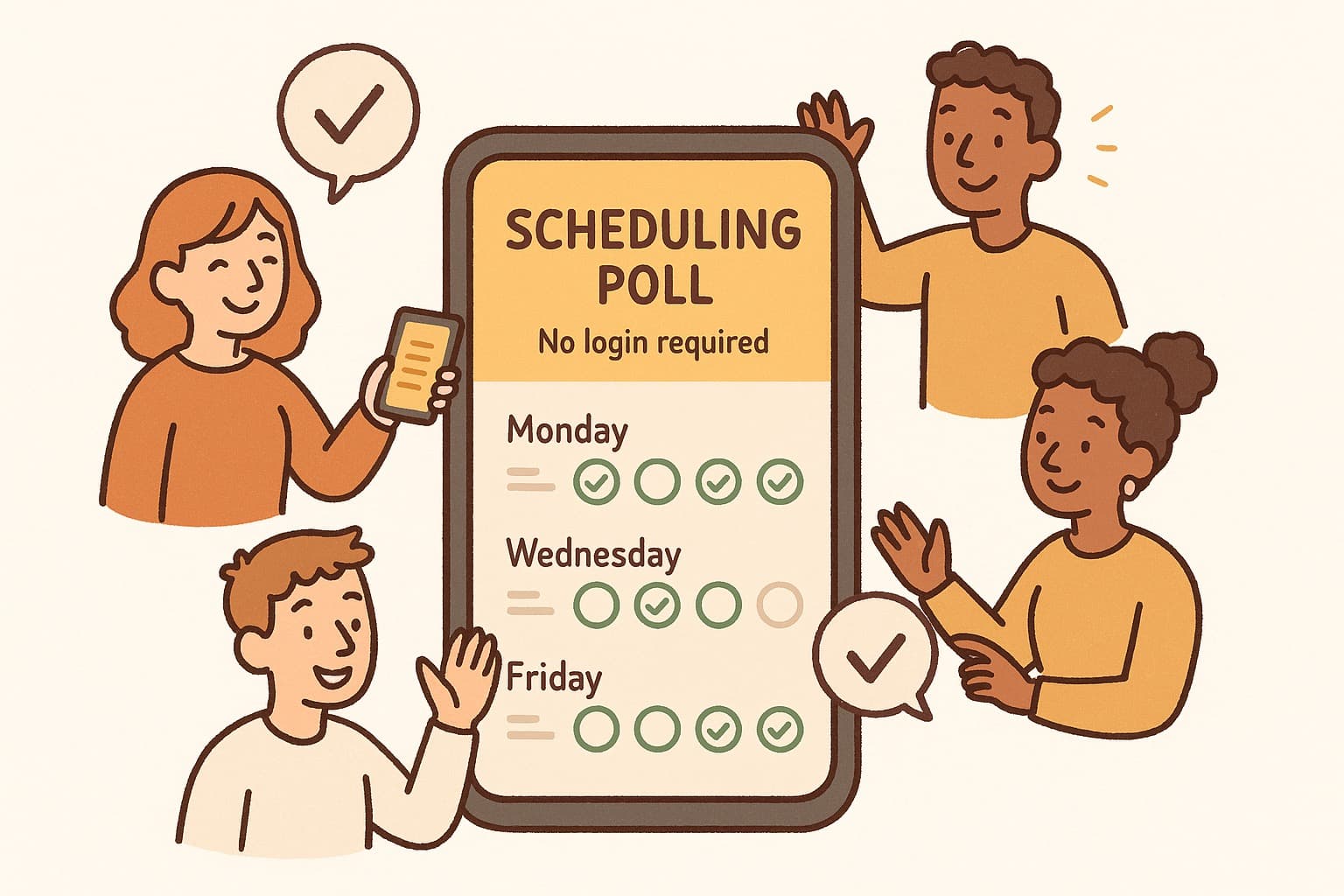
A professor office hours scheduler that doesn't require student logins solves these problems in one move. Here's how it works:
- •You create a poll with your available time slots for the week
- •Students see your availability and click the slot that works—no account, no password
- •Everyone gets a confirmation and you get a unified view of who's coming
That's it. No sign-up barrier for students. No email back-and-forth for you.
Why This Matters for Academic Settings
1. Lower Barrier for Students
Not every student is comfortable creating accounts on yet another platform. Some don't have Google accounts. Others don't want to give yet another service their email. By removing the login requirement, you increase the likelihood that students will actually book time.
2. No Account Management for You
Tools like Calendly work, but they require students to have accounts or at minimum share their email. With a true no-login solution, students just pick a time and enter their name. No accounts to manage, no billing to worry about.
3. Fits Into Existing Workflows
Whether you use Outlook, Gmail, or a university calendar, the scheduling link works independently. Students don't need to connect their calendars. You don't need IT approval.
4. Works on Mobile
Students live on their phones. A good professor office hours scheduler works on mobile without forcing them to download an app or navigate a complicated interface.
Real Professor Use Cases
This approach works for:
- •Regular office hours — Weekly blocks where students book 15-30 minute slots
- •Thesis meetings — Structured time slots for graduate students working on dissertations
- •Committee meetings — Scheduling defense prep or dissertation committee reviews
- •Research check-ins — Quick 10-minute sync-ups with undergrad research assistants
Features That Actually Matter
When choosing a professor office hours scheduler, focus on what helps you mentor:
- •No student login required — The key feature. Students book with just their name.
- •Customizable time slots — You decide how long each slot is (15, 20, 30 minutes)
- •Clear availability display — Students see exactly when you're open
- •Automatic reminders — Both you and students get notified of upcoming meetings
- •No account wall for students — This is a professional tool, not a heavyweight booking system
The Bottom Line
Office hours should be about helping students, not managing scheduling logistics. A free scheduling poll that requires no login removes the friction that prevents students from showing up—and eliminates the email coordination that wastes your time.
Whether you're a tenure-track professor managing a caseload of 40 students or an adjunct squeezing office hours between classes, the right tool makes a measurable difference. Your time is valuable. The scheduling overhead shouldn't eat into it.
WhenWorks offers a free, no-login scheduling tool designed specifically for professors and academic settings. No account required for students, works on mobile. Try it at whenworks.cc.
Before you act on this advice
- Look for the smallest process that still gets you a confident answer.
- Keep the group experience simple for first-time participants.
- Document the final outcome so nobody has to guess what was decided.
Common traps to avoid
- Simple systems work best when the organizer explains them clearly from the start.
- Over-customizing the process often adds work without improving outcomes.
- Make one decision well before trying to optimize every part of the workflow.
Best next step
Use the simplest version of this advice on your next real coordination task and then improve it based on what actually happens.
Why you can trust this page
Our editorial approach centers on real scheduling decisions, not generic productivity filler.
Public guides on WhenWorks are tied to the product and support context behind the site. We explain our editorial process publicly so readers can judge whether the page feels complete and trustworthy for their use case.
Want the policy context behind this article? Review our editorial standards or contact the team.
Questions people usually ask
What is the best next step after reading this article?
Apply the advice to one real scheduling scenario soon while the ideas are still concrete. Practical use is the fastest way to see what actually fits your workflow.
How should I adapt this guidance to my situation?
Keep the principles and simplify the process around your real constraints, such as group size, urgency, and whether you control the calendar or need consensus.