Who this guide is for
Readers trying to make group scheduling simpler and more reliable.
Use this guide when
# When2Meet Alternatives That Actually Work in 2026 Let's be honest — When2Meet gets the job done, but barely. The interface looks like it was design...
When2Meet Alternatives That Actually Work in 2026
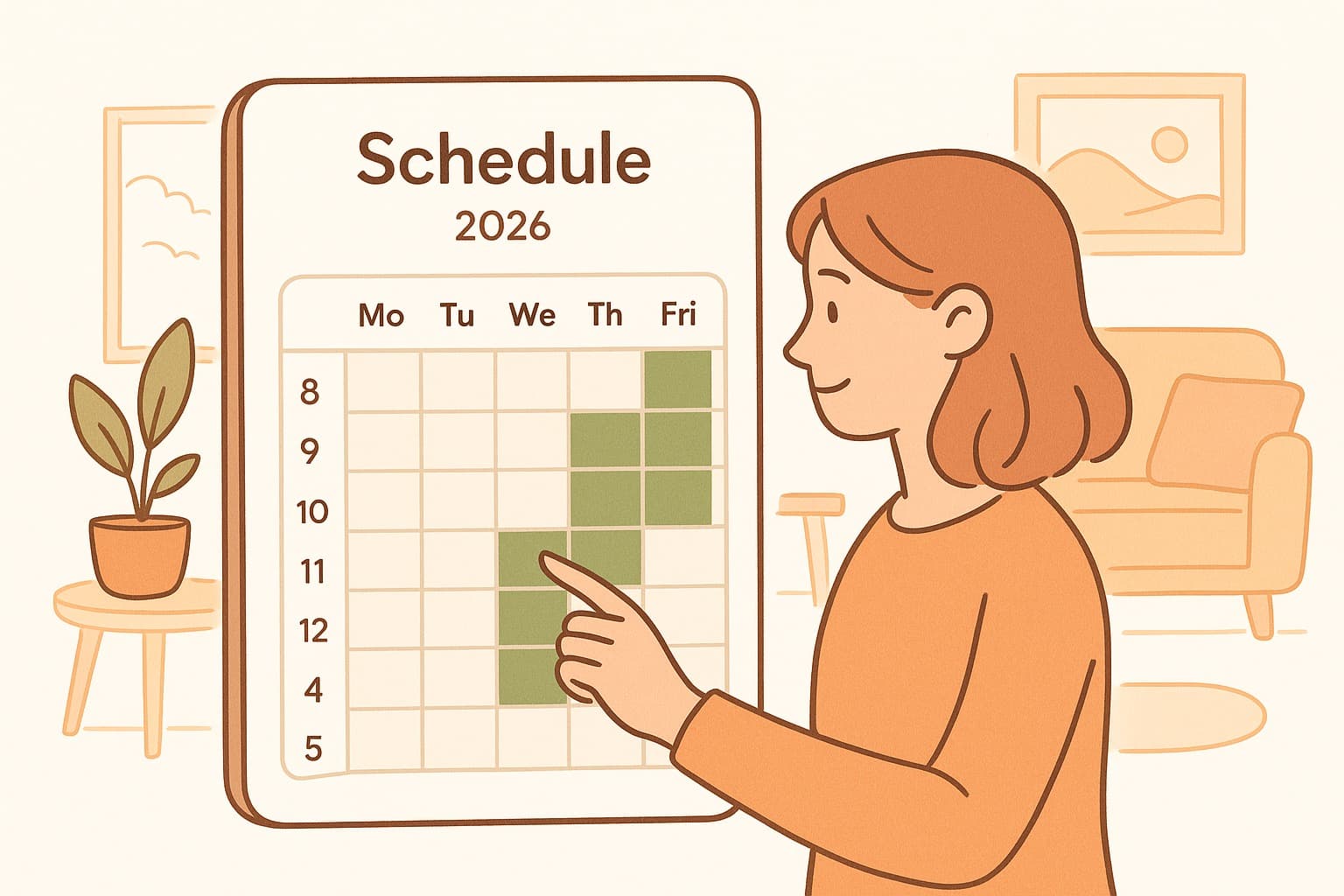
Let's be honest — When2Meet gets the job done, but barely. The interface looks like it was designed in a basement in 2008, the mobile experience is a nightmare, and good luck trying to export anything to your calendar. If you've ever squinted at that grid trying to figure out if "green" means available or taken, you know the struggle.
The good news? The scheduling world has evolved. There are now tools that give you everything When2Meet does — group availability polling, no-signup links, instant results — but with interfaces that don't hurt your eyes. Here's the best When2Meet alternatives worth switching to.
Why When2Meet Feels Outdated
When2Meet has two things going for it: it's free and it works. But that's where the compliments end. The visual "paint your availability" approach sounds intuitive until you're trying to coordinate 12 people across different time zones. There's no calendar export, no way to nudge participants who haven't responded, and the mobile experience is practically unusable.
For quick, informal polls among friends, When2Meet still suffices. But the moment you need anything beyond the basics — professional sharing, calendar integration, polished appearance — you're better off elsewhere.
The Best When2Meet Alternatives
1. WhenWorks — The All-Around Winner
WhenWorks is theWhen2Meet alternative that actually feels like it was built in 2026. It keeps the simplicity that made When2Meet popular — create a poll, share a link, see results — but adds the features modern users expect.
What sets WhenWorks apart:
- •No signup required — both you and participants can use it without creating accounts
- •10 free polls per month — generous enough for most use cases
- •Date polls AND time polls — not just availability grids
- •Calendar export — one-click .ics download for Google, Outlook, and Apple Calendar
- •QR code sharing — perfect for sharing in person or on flyers
- •Modern interface — clean, fast, works beautifully on mobile
- •Timezone smart — automatically handles the math so you don't have to
The free tier is genuinely usable. Unlike When2Meet, you get actual features without paying. The Pro plan ($6/month) removes limits and branding, but the free tier covers 90% of use cases.
Best for: Anyone who wants When2Meet's simplicity with modern features and a professional look.
2. Doodle — The Established Player
Doodle is probably what comes to mind when you think "scheduling poll." It's been around forever, and while it's lost some luster (see: ads on free tier, paywalled features), it still works.
Pros: Widely known, lots of features, integrates with calendars Cons: One poll limit on free tier, participants see ads, interface feels dated, $14.95/month for anything beyond basics
Best for: Users who don't mind paying or can tolerate the free tier limitations.
3. Rallly — The Privacy-Focused Pick
Rallly is an open-source scheduling tool that emphasizes privacy. You can use their hosted version or self-host if you're technical.
Pros: Open source, no tracking, clean design, free to use Cons: Fewer features than competitors, smaller community, less polished mobile experience
Best for: Privacy-conscious users and developers who want to self-host.
4. Calendly — For Appointment Booking
Calendly solves a different problem — one-on-one appointment scheduling rather than group polls. If you're booking client calls or sales demos, it's excellent.
Pros: Polished interface, powerful integrations, professional Cons: Not designed for group polls, free tier is very limited, participants see your availability (rather than voting on options)
Best for: Freelancers and businesses booking individual appointments.
5. LettuceMeet — The Visual Alternative
LettuceMeet takes a similar visual approach to When2Meet — participants drag to select available times on a grid — but with a more modern design.
Pros: Visual interface, free to use, no account needed Cons: Less intuitive than poll-based tools, fewer features
Best for: Visual thinkers who prefer the "paint your availability" approach with better aesthetics.
Why WhenWorks Is the Smart Switch
If you're ready to leave When2Meet behind, WhenWorks offers the smoothest transition:
- •Same no-signup model — Your participants don't need accounts. They just click and vote.
- •Better mobile experience — Create and respond to polls from your phone without squinting.
- •Actual calendar integration — Export results directly to your calendar in seconds.
- •More poll types — Run date polls, time polls, or both.
- •Professional appearance — Use it with clients without apologizing for the interface.
The learning curve? Zero. If you can use When2Meet, you can use WhenWorks. It just works better.
The Bottom Line
When2Meet served us well, but the bar has risen. In 2026, you shouldn't have to sacrifice usability for simplicity. WhenWorks delivers the best of both worlds — the no-signup, no-friction experience that made When2Meet popular, plus the features and design modern users demand.
Stop wrestling with outdated interfaces. Try WhenWorks free at whenworks.cc — no signup required, works on any device, and actually looks good doing it.
Before you act on this advice
- Look for the smallest process that still gets you a confident answer.
- Keep the group experience simple for first-time participants.
- Document the final outcome so nobody has to guess what was decided.
Common traps to avoid
- Simple systems work best when the organizer explains them clearly from the start.
- Over-customizing the process often adds work without improving outcomes.
- Make one decision well before trying to optimize every part of the workflow.
Best next step
Use the simplest version of this advice on your next real coordination task and then improve it based on what actually happens.
Why you can trust this page
Our editorial approach centers on real scheduling decisions, not generic productivity filler.
Public guides on WhenWorks are tied to the product and support context behind the site. We explain our editorial process publicly so readers can judge whether the page feels complete and trustworthy for their use case.
Want the policy context behind this article? Review our editorial standards or contact the team.
Questions people usually ask
What is the best next step after reading this article?
Apply the advice to one real scheduling scenario soon while the ideas are still concrete. Practical use is the fastest way to see what actually fits your workflow.
How should I adapt this guidance to my situation?
Keep the principles and simplify the process around your real constraints, such as group size, urgency, and whether you control the calendar or need consensus.