Who this guide is for
Readers trying to make group scheduling simpler and more reliable.
Use this guide when
Comparing the top free scheduling tools for professors, grad students, and department coordinators. Which one actually works for academic use in 2026?
Academic scheduling has constraints that most scheduling tools were not designed for.
Professors and coordinators often need to schedule across students on Gmail, faculty on Exchange, visiting researchers using institutional calendars, and committee members who may never share one system. Students also respond from phones, move fast, and rarely want to create a new account just to vote on office hours or a thesis meeting.
That means the best free scheduling tool for academics is not simply the tool with the longest feature list. It is the one that keeps participation high, works on mobile, and gets a clear answer without turning the poll into another administrative task.
What Academic Scheduling Actually Needs
Before comparing tools, name the real requirements:
- •No account required for participants. Students and committee members should be able to vote from a shared link without creating an account.
- •Mobile-friendly voting. A desktop-first grid loses students who open the poll from a phone between classes.
- •Simple enough to use without instructions. If the email needs a paragraph explaining the tool, the tool is adding work.
- •Useful free tier. Academic budgets are tight, so basic group scheduling cannot depend on an immediate paid upgrade.
- •Group availability support. Office hours, research meetings, department events, and thesis committees need overlap across multiple people, not only one-on-one booking.
Doodle
Doodle is the name many academics recognize. It has been around for years, and that familiarity helps when you are coordinating with faculty who have seen it before.
The tradeoff is friction. Doodle's free experience has become more cluttered over time, and participant prompts can reduce response rates with student groups. Doodle can still work, but it is no longer the obvious lightweight choice for academic scheduling.
Compare Doodle and WhenWorks if you want a current side-by-side look at signup friction, pricing, and participant experience.
When2Meet
When2Meet is the classic academic favorite. It is free, familiar in university settings, and good for broad availability mapping.
Its weakness is usability. The interface feels dated, the grid can be confusing for people who have not used it before, and the mobile experience is rough. That matters when the whole point is to get responses quickly from students and external collaborators.
See the When2Meet alternative guide for the practical tradeoffs.
Google Forms and Calendar
Some departments build a scheduling process with Google Forms, Sheets, and manual calendar blocking. This can work for collecting preferences, but it breaks down when you need to find shared availability across a group.
It also shifts the workload back to the professor or coordinator. Someone still has to sort responses, compare times, and send follow-up emails.
Calendly
Calendly is strong for one-on-one booking. If a professor wants students to pick from fixed office-hour slots, it can be a good fit.
It is weaker for committee scheduling, research-group meetings, or any situation where the group needs to vote on shared availability. Calendly is built around booking time with one host, not finding the best overlap for a group.
WhenWorks
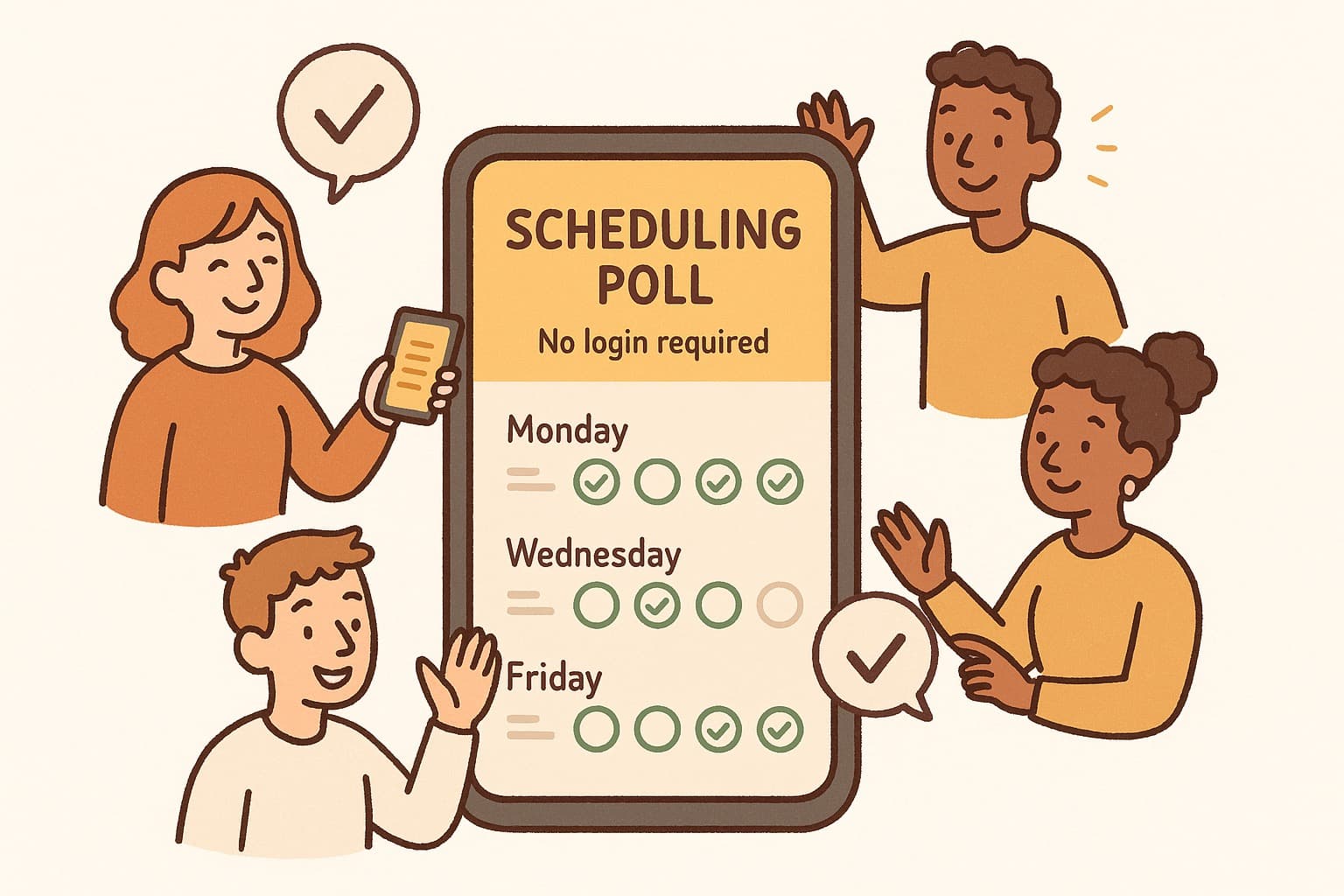
WhenWorks is built for group scheduling polls: create a poll from a free account, share one link, and let participants vote without accounts.
For academic use, the important parts are straightforward:
- •Participants can vote without creating an account
- •Free organizer accounts include 10 polls per month
- •The voting flow is mobile-friendly
- •Polls work for both time-slot scheduling and date-selection decisions
- •Results are easy to scan when you need to pick the best overlap
For office hours, a professor can add available windows, share the poll link with students, and see which times fill up. For a thesis committee, one link can collect availability from faculty across departments and calendar systems.
The Pro plan is $6/month and removes the free monthly poll limit, which is useful for professors, labs, or departments running scheduling polls throughout a semester.
Recommendation
For most academic scheduling in 2026:
| Use case | Best fit |
|---|---|
| One-on-one student bookings | Calendly |
| Office hours and student availability polls | WhenWorks |
| Thesis committees and research meetings | WhenWorks |
| Informal broad availability mapping | When2Meet |
| Teams already standardized on Doodle | Doodle |
If you need students, faculty, or committee members to respond quickly, optimize for the participant experience first. The fewer accounts, ads, confusing grids, and follow-up emails involved, the more likely you are to get complete responses.
Create a free scheduling poll and send one link to your group.
Before you act on this advice
- Look for the smallest process that still gets you a confident answer.
- Keep the group experience simple for first-time participants.
- Document the final outcome so nobody has to guess what was decided.
Common traps to avoid
- Simple systems work best when the organizer explains them clearly from the start.
- Over-customizing the process often adds work without improving outcomes.
- Make one decision well before trying to optimize every part of the workflow.
Best next step
Use the simplest version of this advice on your next real coordination task and then improve it based on what actually happens.
Why you can trust this page
Our editorial approach centers on real scheduling decisions, not generic productivity filler.
Public guides on WhenWorks are tied to the product and support context behind the site. We explain our editorial process publicly so readers can judge whether the page feels complete and trustworthy for their use case.
Want the policy context behind this article? Review our editorial standards or contact the team.
Questions people usually ask
What is the best next step after reading this article?
Apply the advice to one real scheduling scenario soon while the ideas are still concrete. Practical use is the fastest way to see what actually fits your workflow.
How should I adapt this guidance to my situation?
Keep the principles and simplify the process around your real constraints, such as group size, urgency, and whether you control the calendar or need consensus.