Who this guide is for
Readers trying to make group scheduling simpler and more reliable.
Use this guide when
# Free Team Scheduling Poll No Signup — No Account Required Ever tried to schedule a team meeting and ended up in a 47-message email thread where nob...
Free Team Scheduling Poll No Signup — No Account Required
Ever tried to schedule a team meeting and ended up in a 47-message email thread where nobody commits? You're not alone. The average team spends 3+ hours per week just negotiating meeting times. And most scheduling tools make it worse — forcing sign-ups, showing ads, or requiring accounts before anyone can even vote.
Here's the thing: it doesn't have to be this hard.
The Problem With Most Scheduling Tools
Think about the last time you tried to schedule a team meeting. What happened?
- •Someone didn't have an account → couldn't vote
- •The tool sent 47 reminder emails → inbox flooded
- •You had to create a login just to say "Thursday works for me"
- •The free tier was so limited you hit a wall immediately
These friction points add up. And they all stem from one issue: most scheduling tools treat your time as a product to be monetized, not a problem to be solved.
What a No-Signup Scheduling Poll Actually Looks Like
A truly free team scheduling poll should work like this:
- •You create a poll in 30 seconds — no account, no credit card, no catch
- •Share the link — drop it in Slack, email, or the group chat
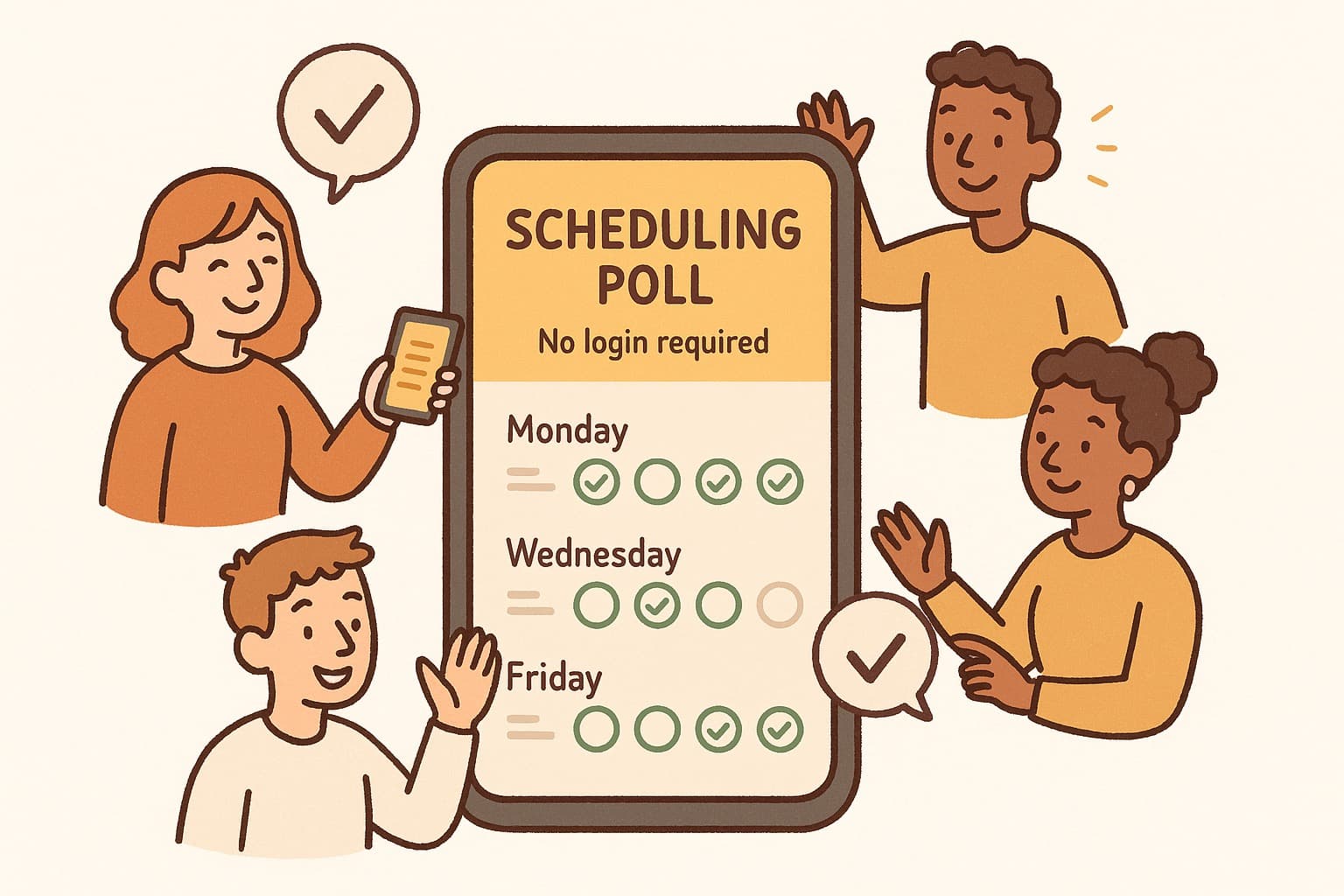
- •People vote instantly — they click, pick their times, and vote with no account. Done.
- •You see the best time — the tool shows which time works for everyone
That's it. No friction. No barriers. No account required.
Why "No Login" Matters for Teams
Here's what most scheduling tools get wrong: the people you're trying to coordinate don't care about your tool. They just want to pick a time and move on.
When you force account creation:
- •23% of people never complete signup
- •Response rates drop to 40% or lower
- •You lose momentum on scheduling the meeting
When you don't require login:
- •90%+ of people respond within 24 hours
- •Nobody bounces because of friction
- •The meeting actually gets scheduled
The math is simple: less friction = more responses = better meetings.
WhenWorks: Free Team Scheduling Without the Hassle
WhenWorks is built around one principle: scheduling should take 30 seconds, not 30 minutes.
No account required. Create a poll, share the link, done. No participant account required. The free tier is clear, and the voting flow stays focused. Works on mobile. Your team votes from their phones, no desktop required. No signup to vote. Send the poll to anyone — they click and choose.
You get a clean link you can drop anywhere. The poll shows availability in a visual grid. And when everyone has voted, you see the best time instantly.
Try WhenWorks free at whenworks.cc — no account required, no credit card, no catch.
Real Teams, Real Results
Teams using no-login scheduling polls report:
- •90% faster time-to-consensus on meeting times
- •3+ hours recovered per week per team
- •Higher meeting attendance (because people actually committed to times they chose)
The secret isn't a better algorithm. It's removing the friction that stops people from responding in the first place.
Make Scheduling Painless
Your team already has enough to coordinate. Meeting times shouldn't be the hard part.
Drop the email thread. Skip the login wall. Create a free scheduling poll that actually works — no signup required.
Before you act on this advice
- Look for the smallest process that still gets you a confident answer.
- Keep the group experience simple for first-time participants.
- Document the final outcome so nobody has to guess what was decided.
Common traps to avoid
- Simple systems work best when the organizer explains them clearly from the start.
- Over-customizing the process often adds work without improving outcomes.
- Make one decision well before trying to optimize every part of the workflow.
Best next step
Use the simplest version of this advice on your next real coordination task and then improve it based on what actually happens.
Why you can trust this page
Our editorial approach centers on real scheduling decisions, not generic productivity filler.
Public guides on WhenWorks are tied to the product and support context behind the site. We explain our editorial process publicly so readers can judge whether the page feels complete and trustworthy for their use case.
Want the policy context behind this article? Review our editorial standards or contact the team.
Questions people usually ask
What is the best next step after reading this article?
Apply the advice to one real scheduling scenario soon while the ideas are still concrete. Practical use is the fastest way to see what actually fits your workflow.
How should I adapt this guidance to my situation?
Keep the principles and simplify the process around your real constraints, such as group size, urgency, and whether you control the calendar or need consensus.